
Writing a resume used to feel like trying to fit your entire life into a single page without sounding desperate, robotic, or painfully generic. Now AI tools are changing that completely.
The problem is that not every AI resume builder is actually good.
Some tools create resumes that look clean but sound like a microwave wrote them during a software update. Others genuinely help you create professional resumes that pass ATS systems and save hours of editing.
Over the last few weeks, I tested some of the most popular AI resume builders to see which ones are actually worth using in 2026.
Some surprised me. A few disappointed me. And one tool almost convinced me I had a career in corporate finance for five minutes.
If you’re looking for the best AI resume builders for students, freelancers, remote jobs, or professional applications, this guide breaks everything down in simple language without the usual marketing fog.
Quick Comparison Table
| Tool | Best For | Free Plan | Starting Price | My Rating |
|---|---|---|---|---|
| Kickresume | Beginners & creatives | Yes | $7/month | 9/10 |
| Rezi | ATS optimization | Limited | $29/month | 8.8/10 |
| Teal | Job tracking | Yes | $9/month | 8.7/10 |
| Resume.io | Fast resume creation | Limited | $2.95 trial | 8.5/10 |
| Enhancv | Modern resume designs | Yes | $10/month | 8.4/10 |
| ChatGPT | Flexible resume writing | Free | $20/month | 8/10 |
| Jasper AI | Professional AI writing | Trial available | $39/month | 7.9/10 |
Why AI Resume Builders Are Exploding Right Now
The job market in 2026 feels faster than ever.
Most companies now use ATS systems to scan resumes before a human even sees them. That means your CV is competing against algorithms before competing against people.
That’s exactly why AI resume tools became so popular.
These tools help with:
- Resume formatting
- Keyword optimization
- Professional summaries
- ATS-friendly layouts
- Grammar correction
- Tailored job descriptions
And honestly, they save a ridiculous amount of time.
A resume that used to take 4 hours can now be drafted in 20 minutes.
The key word there is drafted.
AI should help you write faster, not erase your personality completely.
1. Kickresume
Best Overall AI Resume Builder
Kickresume ended up being my favorite overall tool because it balances simplicity, speed, and clean design without overwhelming beginners.
The interface feels smooth immediately. Within minutes, I had a complete resume structure ready to customize.
What stood out most was how human the templates felt. A lot of AI resume builders produce layouts that scream “generated by software.” Kickresume looks polished without feeling sterile.
I also liked that the AI suggestions were practical instead of overly corporate.
Instead of:
“Results-driven synergistic leader…”
It generated cleaner phrases that sounded closer to how actual people speak.
That matters more than most resume tools realize.
What I Liked
- Very beginner friendly
- Excellent modern templates
- AI-generated summaries are surprisingly decent
- Fast export options
- Strong free version
What I Didn’t Like
- Some premium templates are locked
- AI suggestions occasionally repeat phrases
Best For
Students, freelancers, creatives, and first-time job seekers.
Pricing
Starts around $7/month.
2. Rezi
Best for ATS Optimization
Rezi focu
ses heavily on ATS compatibility, and you can feel that immediately.
Everything inside the platform is designed to help your resume pass automated hiring systems.
For corporate jobs, remote work, and LinkedIn applications, that’s a massive advantage.
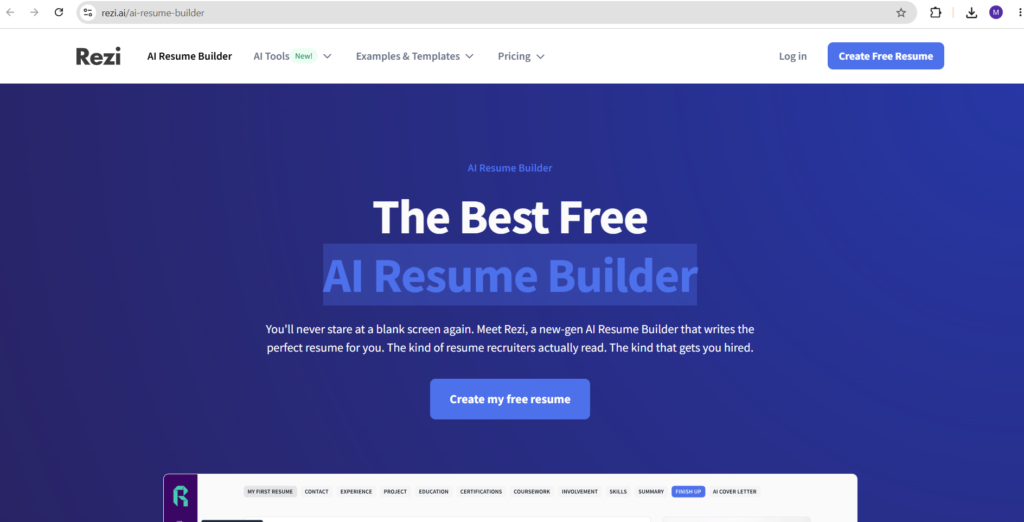
I tested Rezi against multiple job descriptions, and its keyword suggestions were genuinely useful instead of random filler.
One thing I appreciated was the resume score system. It gives feedback on missing skills, formatting problems, and keyword relevance.
It almost feels like having a recruiter quietly judging your resume in real time.
Which is mildly terrifying… but effective.
What I Liked
- Excellent ATS optimization
- Smart keyword targeting
- Clean minimalist layouts
- Helpful scoring system
What I Didn’t Like
- Interface feels slightly technical
- Less creative freedom in design
Best For
Corporate jobs, remote applications, and LinkedIn-heavy job hunting.
Pricing
Starts at $29/month.
3. Teal
Best Productivity-Focused Resume Builder
Teal is more than a resume builder.
It’s basically a job application command center.
Besides building resumes, you can:
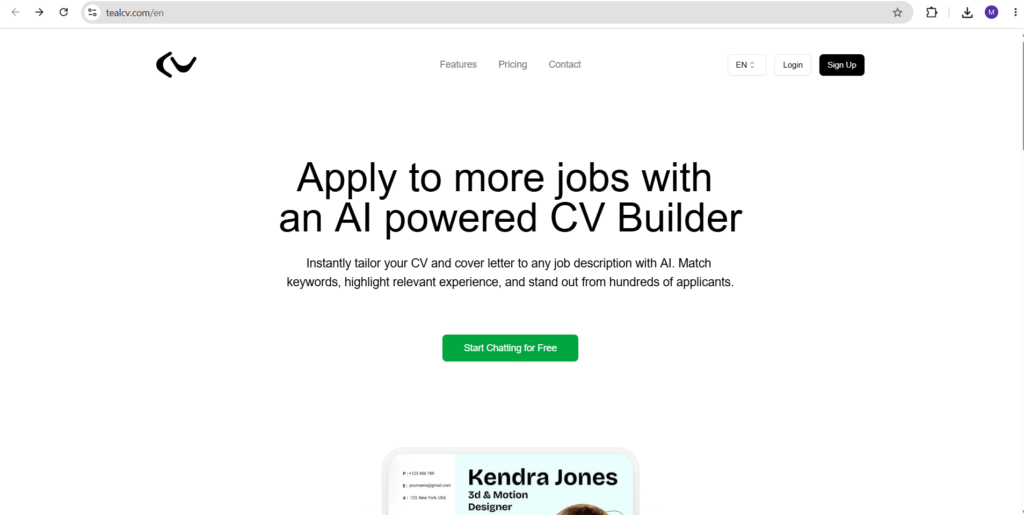
- Track applications
- Save job listings
- Organize opportunities
- Match resumes to roles
- Monitor application progress
For people applying to many jobs weekly, this becomes incredibly useful.
I tested Teal while applying to several positions at once, and it genuinely reduced the chaos.
Without it, my desktop looked like a digital junk drawer full of PDFs and forgotten tabs.
What I Liked
- Excellent organization tools
- Strong free plan
- Resume matching features
- Helpful job tracking dashboard
What I Didn’t Like
- Slight learning curve
- Less focused on visual resume design
Best For
Heavy job seekers managing multiple applications.
Pricing
Starts around $9/month.
4. Resume.io
Best for Fast Resume Creation

Resume.io is one of the fastest tools I tested.
If you need a clean professional resume quickly, this platform gets the job done with minimal friction.
The guided setup process is especially beginner friendly.
You simply answer questions, and the system gradually builds the resume around your experience.
The templates are clean, readable, and recruiter-safe.
Nothing too experimental. Which is actually a good thing for most industries.
What I Liked
- Extremely fast setup
- Beginner friendly workflow
- Clean professional templates
- Good export options
What I Didn’t Like
- Limited customization
- Trial pricing can feel slightly misleading
Best For
Quick professional resumes without complexity.
5. Enhancv
Best Modern Resume Designs
Enhancv focuses heavily on visual presentation.
If traditional resumes feel painfully boring to you, this platform offers fresher layouts without becoming unreadable.
The customization options are excellent, especially for creative industries.
I tested it for marketing and design resumes, and the results looked genuinely impressive.
That said, I wouldn’t use ultra-creative templates for highly conservative industries like law or finance.
Some recruiters still prefer simple black-and-white layouts from the Stone Age.
What I Liked
- Beautiful templates
- Strong customization
- Creative-friendly layouts
- Easy editing tools
What I Didn’t Like
- Some templates feel too modern for corporate roles
- Free plan limitations
Best For
Designers, creators, marketers, and freelancers.
Can ChatGPT Actually Write a Good Resume?
Surprisingly… yes.
But with an important warning.
ChatGPT is excellent for:
- Resume summaries
- Rewriting bullet points
- Improving grammar
- Creating achievement-focused descriptions
- Tailoring resumes to job posts
What it struggles with is structure and formatting.
Dedicated resume builders still handle layout better.
The smartest strategy is combining both:
- Use ChatGPT for writing
- Use resume builders for formatting
That combination works incredibly well.
Common Mistakes People Make With AI Resumes
1. Leaving the AI text untouched
Recruiters can spot robotic writing surprisingly fast.
If your resume sounds like:
“Dynamic visionary leader leveraging cross-functional synergies…”
You’ve gone too far into AI territory.
Edit the content so it sounds like you.
2. Overloading resumes with keywords
ATS optimization matters, but keyword stuffing looks unnatural.
A good resume should still feel readable by humans.
Humans are unfortunately still involved in hiring.
3. Using flashy templates for serious industries
Some templates look beautiful but confuse ATS systems.
Clean formatting usually wins.
How to Make an AI Resume Sound More Human
Here’s the trick that improved my resumes the most:
Instead of writing responsibilities:
- “Responsible for social media management”
Write outcomes:
- “Grew Instagram engagement by 40% in 3 months”
Numbers instantly make resumes feel more credible.
Even simple metrics help.
And don’t be afraid to keep some personality in your writing.
A resume shouldn’t read like a tax document written by a malfunctioning elevator.
Final Verdict
AI resume builders are genuinely useful in 2026, especially if you’re applying for jobs regularly.
They save time, improve formatting, and help optimize resumes for ATS systems.
But the best results still come from combining AI efficiency with human editing.
If you want the easiest all-around experience, Kickresume is probably the strongest choice overall.
If ATS performance matters most, Rezi is excellent.
And if you’re juggling dozens of applications, Teal becomes incredibly valuable.
At the end of the day, the best resume builder is the one that helps your experience sound clear, confident, and human.
Because even in the age of AI, people still hire people.