Coming up with fresh content ideas is often harder than writing the article itself.
While working on FutureAITools, I found myself spending more time researching topics than actually creating content. I knew I wanted to write about AI tools, but finding unique angles and topics that people genuinely care about wasn’t always easy.
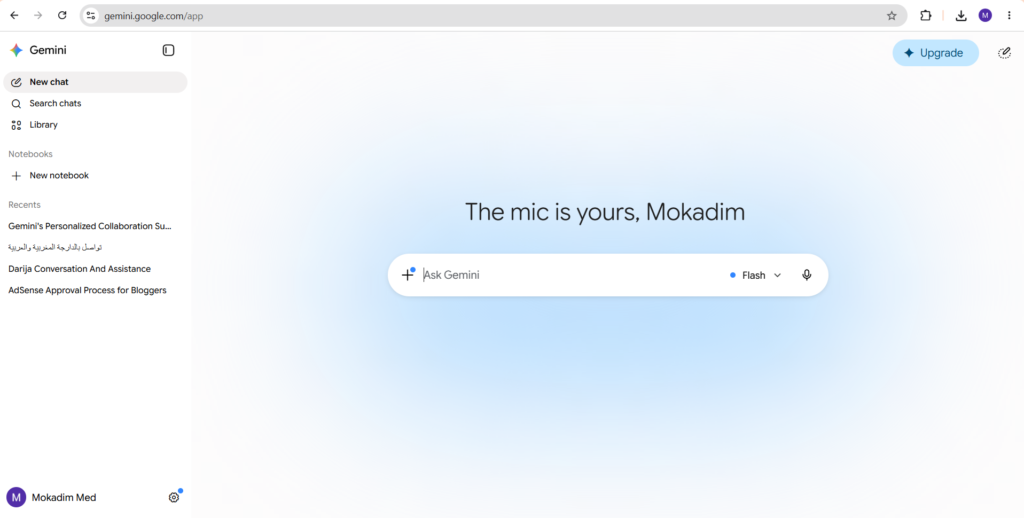
That’s when I decided to give Gemini a more serious try.
Instead of using it as a simple chatbot, I started using it as a research and brainstorming assistant.
The results were surprisingly useful.
Why I Started Using Gemini
Like most people, I originally used Gemini to answer questions and look up information.
But after a few tests, I realized it could help solve a bigger problem.
Content planning.
When you’re publishing articles regularly, running out of ideas becomes a real challenge.
Rather than spending hours browsing forums and websites, I wanted a faster way to generate ideas and discover new content opportunities.
My First Experiment
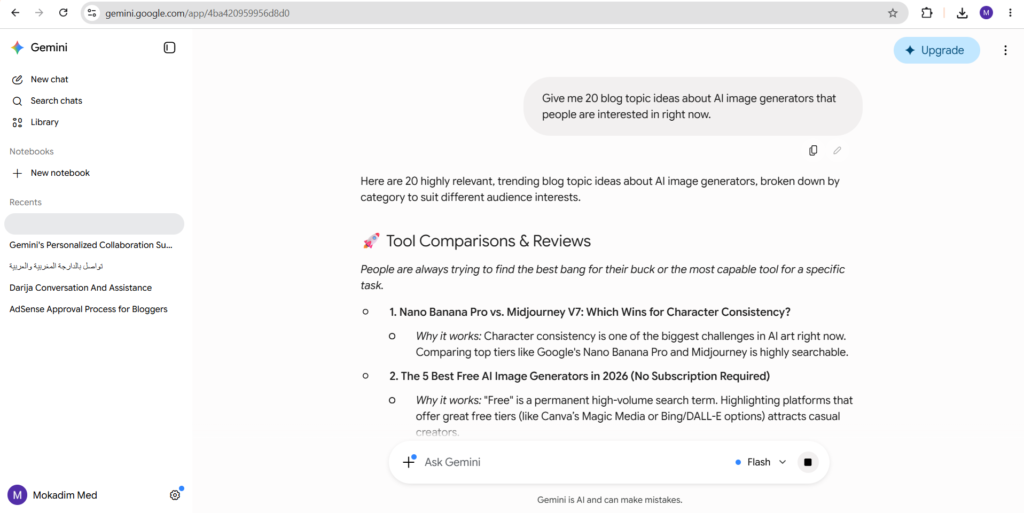
The first prompt I used was:
Give me 20 blog topic ideas about AI image generators that people are interested in right now.
Within seconds, Gemini generated a long list of article ideas.
Some were obvious.
Others gave me completely new angles I hadn’t considered before.
A few of those ideas eventually became actual drafts for FutureAITools.
What Surprised Me
The biggest surprise wasn’t the speed.
It was how Gemini organized information.
Instead of random suggestions, the ideas were grouped around specific themes such as:
- AI image generation
- AI video tools
- Prompt engineering
- Productivity workflows
- Content creation
That made it much easier to spot trends and identify topics worth exploring.
How I Actually Use Gemini Today
After experimenting with different workflows, I found three ways Gemini helps me the most.
Finding New Article Ideas
Whenever I feel stuck, I ask Gemini to generate topic ideas around a niche.
Not every suggestion is amazing, but usually a few stand out immediately.
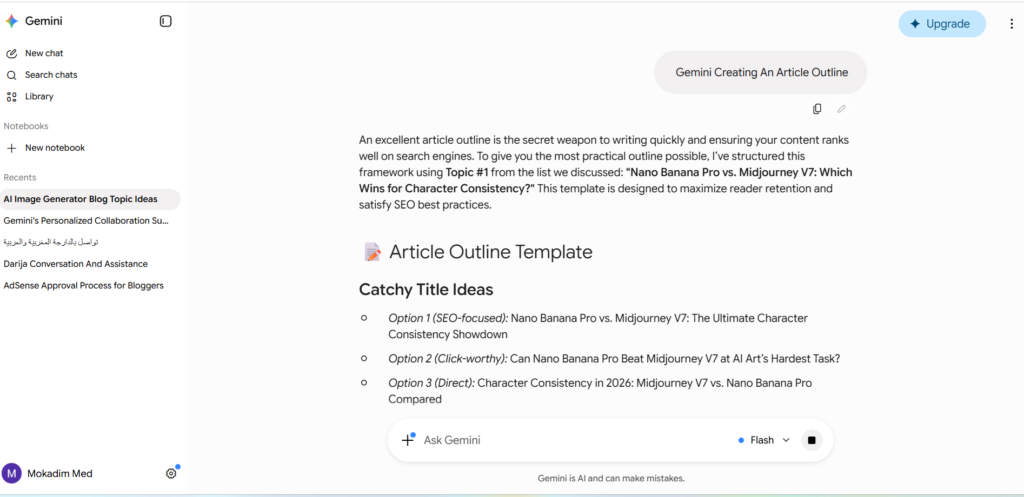
Creating Article Outlines
Starting with a blank page is never fun.
Gemini helps me build rough article structures that I can improve with my own research and experience.
Researching New AI Tools
When a new AI tool launches, Gemini helps me quickly understand what it does before I spend time testing it myself.
What Worked Well
✅ Fast Brainstorming
Generating dozens of content ideas takes seconds.
✅ Beginner Friendly
The interface is simple and easy to understand.
✅ Helpful Research Assistant
It’s useful for exploring unfamiliar topics quickly.
✅ Great Starting Point
Gemini helps eliminate the blank-page problem.
What Didn’t Work
❌ Some Ideas Feel Generic
Not every suggestion is unique.
You still need to filter and improve the results.
❌ Prompt Quality Matters
Detailed prompts consistently produce better answers.
❌ Not A Replacement For Real Testing
Research is helpful, but hands-on experience remains essential.
Quick Summary
| Category | Rating |
|---|---|
| Ease of Use | 9/10 |
| Research Assistance | 9/10 |
| Brainstorming | 8.5/10 |
| Content Ideas | 8.5/10 |
| Overall Experience | 8.8/10 |
Get Started With Gemini
If you’d like to try Gemini yourself, you can access it here:
👉 Official Gemini Website: https://gemini.google.com
Watch Gemini In Action
Google regularly publishes demonstrations and updates about Gemini on its official YouTube channel:
🎥 Official Google YouTube Channel: https://www.youtube.com/@Google
Final Thoughts
Before using Gemini regularly, I assumed it was simply another AI chatbot.
After integrating it into my content workflow, I discovered that its biggest strength wasn’t answering questions.
It was helping me move from a rough idea to a workable article concept much faster.
For content creators, bloggers, and marketers, that alone can save a surprising amount of time.
While it won’t replace research, creativity, or real-world testing, it can make the entire content planning process much more efficient.