
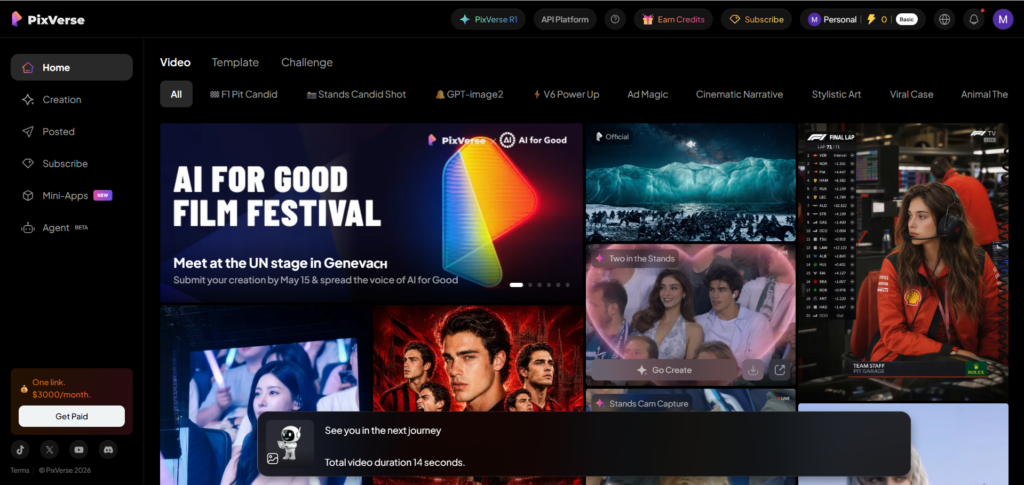
As someone interested in AI tools, storytelling, and short-form content creation, I recently decided to test PixVerse AI for one of my own projects.
Instead of creating random AI clips, I wanted to make something cinematic and creative. So I used PixVerse to create an AI history video for my YouTube channel.
Honestly, the experience was both impressive and frustrating at the same time.
Why I Chose PixVerse AI
I was searching for an AI video tool capable of creating:
- cinematic scenes
- animated characters
- futuristic visuals
- short vertical videos for TikTok and YouTube Shorts
After trying different AI platforms, PixVerse looked like one of the easiest tools to start with.
The platform allows users to generate AI videos from:
- text prompts
- uploaded images
- animated scenes
- cinematic transitions
What caught my attention the most was the image-to-video feature.
I uploaded a custom robot character and turned it into a moving animated scene for my history content.
That immediately made the tool feel different from many other AI video generators.
Creating My First AI History Video
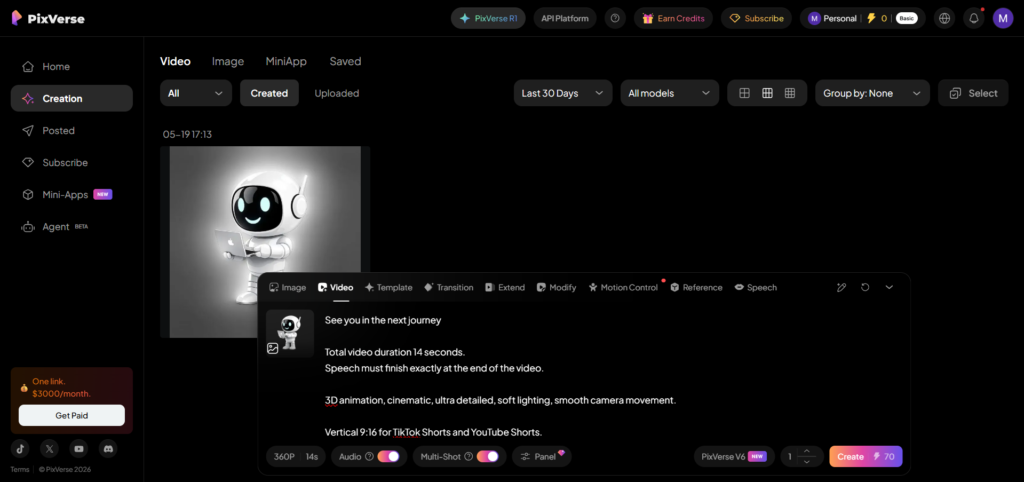
For my first project, I created a futuristic robot character named Bob.
The idea was simple:
Bob travels through historical timelines while talking about strange and forgotten moments from history.
Using PixVerse, I generated:
- futuristic library environments
- holograms
- glowing cinematic scenes
- historical transitions
- animated camera movement
I also used vertical 9:16 format because I wanted the video to work perfectly for:
- YouTube Shorts
- TikTok
- Instagram Reels
The final result honestly looked much better than I expected from an AI tool.
What I Liked About PixVerse AI
1. The Visual Quality Is Surprisingly Good
One thing that impressed me immediately was the cinematic atmosphere.
The lighting effects, holograms, and animated transitions looked modern and professional.
Some scenes genuinely felt like clips from a futuristic animated movie.
This is especially useful for creators making:
- history content
- storytelling videos
- sci-fi edits
- AI-generated shorts
2. Perfect for Short-Form Content
PixVerse works extremely well for TikTok and YouTube Shorts.
Most AI tools still struggle with:
- vertical formatting
- social media pacing
- fast cinematic editing
But PixVerse clearly focuses on modern content creators.
That made it easier for me to create short AI videos optimized for social platforms.
3. Image-to-Video Feature Is Amazing
This became my favorite feature.
I uploaded my own robot character image, and PixVerse animated it naturally into a cinematic environment.
The character started walking, moving, and interacting with the scene.
For creators building:
- AI mascots
- virtual characters
- futuristic storytelling channels
this feature has massive potential.
The Problems I Experienced
Even though I enjoyed using PixVerse, there were several problems during my testing.
1. Prompt Restrictions Can Be Frustrating
This was probably the biggest issue.
Sometimes harmless prompts were blocked for “sensitive content” even when they were related to history or cinematic storytelling.
I had to simplify prompts many times before they finally worked.
This slowed down the creative process a lot.
2. AI Speech Still Needs Improvement
The AI talking feature is interesting but not perfect yet.
Sometimes:
- speech timing feels off
- lip sync looks strange
- dialogue cuts too early
- movement becomes unnatural
For short videos it works fine, but long dialogue scenes still need improvement.
3. Results Are Not Always Consistent
Some generations looked incredible.
Others looked broken or strange.
This means creators still need:
- testing
- rerolls
- editing
- prompt optimization
to get the best possible results.
Uploading My AI History Video to YouTube
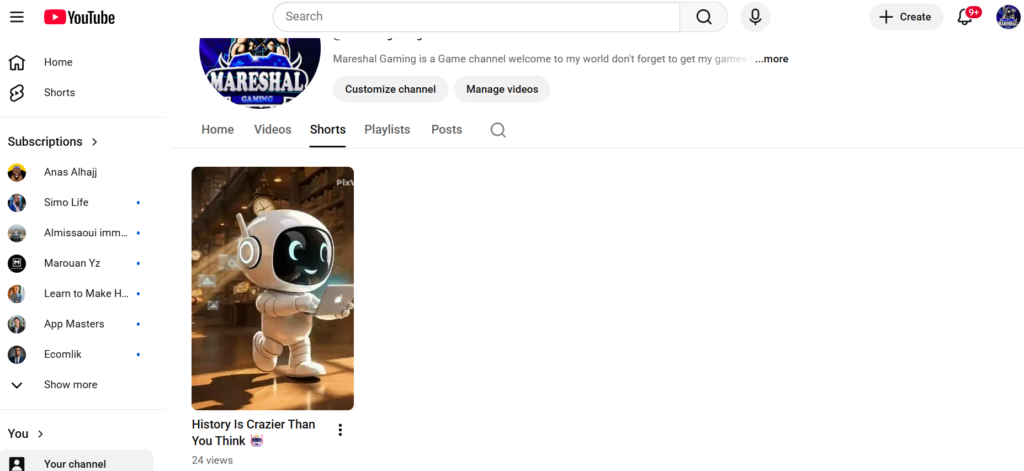
After generating the final video, I uploaded it to my YouTube Shorts channel.
The experience actually motivated me to continue experimenting with:
- AI storytelling
- futuristic characters
- cinematic history videos
- short-form educational content
What I enjoy most is combining:
- AI tools
- creativity
- storytelling
- animation
into one type of content.
That combination feels like the future of digital creation.
Final Score
Pros
✅ Easy to use
✅ Great for Shorts
✅ Cinematic visuals
✅ Fast generation
✅ Amazing image-to-video features
✅ Beginner friendly
Cons
❌ Prompt restrictions
❌ Inconsistent results
❌ Credits disappear quickly
❌ Speech generation still imperfect
Is PixVerse AI Worth Using?
In my opinion, yes.
Especially for creators interested in:
- AI videos
- storytelling
- cinematic shorts
- TikTok content
- YouTube Shorts
PixVerse still has limitations, but the technology already feels incredibly promising.
AI video generation is improving fast, and platforms like PixVerse show how content creation may completely change in the future.
Final Thoughts
Using PixVerse AI for my own AI history project was a really interesting experience.
The platform helped me turn a simple idea into a cinematic animated short video much faster than traditional editing methods.
It’s not perfect yet.
But for creative people who enjoy experimenting with AI, storytelling, and futuristic content, PixVerse is definitely a tool worth trying.