The Real Creator’s Guide to Working Smarter, Not Harder
Let’s be honest for a second…
Running a YouTube channel today feels like juggling flaming swords while editing subtitles at 2 AM 🔥😵💫
You need:
- scripts
- editing
- thumbnails
- SEO
- Shorts
- captions
- consistency
…and somehow still stay creative.
That’s exactly why AI automation tools exploded in popularity. But here’s the truth nobody talks about:
Some AI tools genuinely save creators hundreds of hours.
Others just wrap basic features in shiny marketing.
After testing workflows, creator stacks, and real-world use cases, these are the AI tools actually helping YouTubers scale in 2026.
Quick Comparison Table
| Tool | Best For | Standout Feature | Starting Price |
|---|---|---|---|
| InVideo AI | Faceless videos | Full script-to-video generation | $25/mo |
| Synthesia | AI avatar videos | Realistic presenters | $22.5/mo |
| Opus Clip | YouTube Shorts | Viral clip detection | $19/mo |
| HeyGen | Lip-sync avatars | Human-like AI speaking | $24/mo |
| Descript | Editing | Edit videos like text | $15/mo |
| VidIQ | YouTube SEO | Keyword & trend analysis | $7.5/mo |
| Fliki | AI voiceovers | Natural AI narration | $21/mo |
| Maestra | Dubbing & subtitles | Multi-language localization | $29/mo |
| Wisecut | Auto-editing | Silence & filler removal | $10/mo |
| Lumen5 | Blog-to-video | Turn articles into videos | $29/mo |
1. InVideo AI
Best for Faceless YouTube Channels
InVideo AI feels like hiring a tiny production team that never sleeps ☕🤖
You type:
“Explain ChatGPT for beginners”
…and it automatically:
- writes the script
- adds stock footage
- creates voiceovers
- inserts subtitles
- adds transitions
- exports the final video
All in minutes.
✅ What’s Great
- Extremely beginner-friendly
- Massive time saver
- Perfect for faceless content
- Built-in AI voices & visuals
❌ What’s Weak
- Transitions can feel repetitive
- AI voices sometimes sound emotionless
- Needs good internet connection
💡 My Take:
If your goal is speed and consistency, this tool is insanely useful. But don’t upload videos raw. Add your own edits, pacing, and personality.
2. Synthesia
Best AI Avatar Tool
Want professional presenter-style videos without touching a camera?
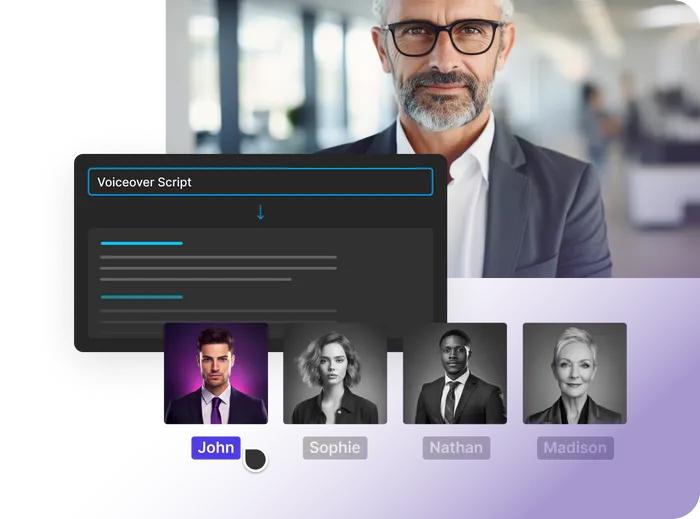
Synthesia is one of the strongest AI avatar platforms right now.
You pick an avatar, paste your script, and the AI handles the rest.
✅ Pros
- Realistic avatars
- Excellent lip-sync
- Supports many languages
- Great for educational/business content
❌ Cons
- Facial emotions still feel limited
- Less effective for cinematic storytelling
- Free version is very restricted
🎯 Perfect for creators making tutorials, online courses, or corporate content.
3. Opus Clip
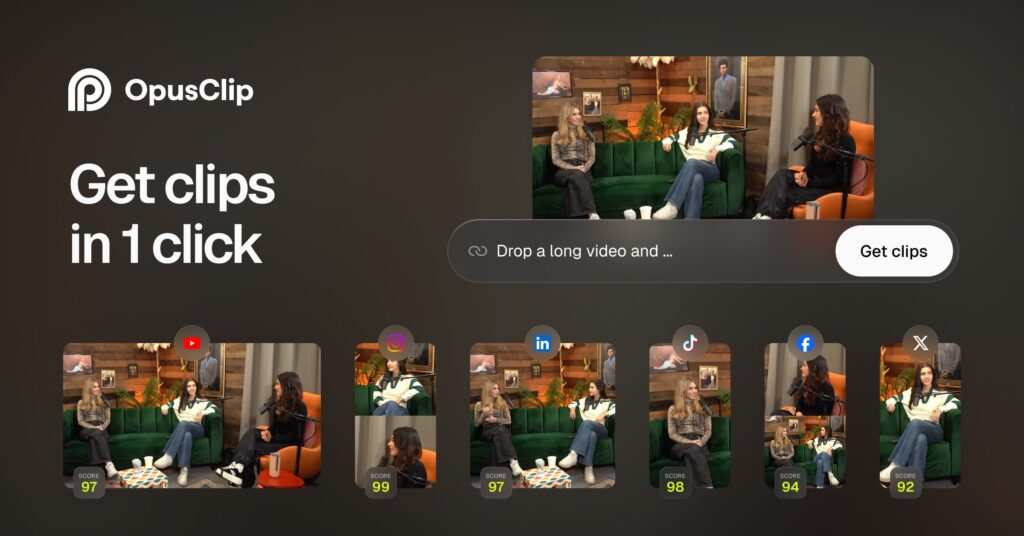
The Shorts Machine 🔥
This tool is honestly ridiculous in the best way possible.
Upload a long video or podcast, and Opus Clip automatically:
- finds viral moments
- crops them vertically
- adds captions
- formats them for Shorts/TikTok/Reels
✅ Pros
- Huge time saver
- Smart AI clipping
- Excellent subtitles
- Helps increase content output fast
❌ Cons
- Some clips lose context
- Still needs human review
💡 If you already create long-form content, this tool can multiply your reach overnight.
4. Descript
Editing Videos Like a Google Doc
Descript changed how many creators edit content.
Instead of dragging clips on a timeline, you simply edit the transcript.
Delete a sentence?
That part disappears from the video automatically.
✅ Pros
- Extremely fast workflow
- Removes filler words automatically
- Great for podcasts/interviews
- Overdub voice cloning is impressive
❌ Cons
- Works best with clean audio
- Some advanced features take time to learn
🎤 Podcast creators absolutely love this thing.
5. VidIQ
The Secret Weapon for YouTube Growth
Many creators don’t fail because of bad content.
They fail because nobody discovers it.
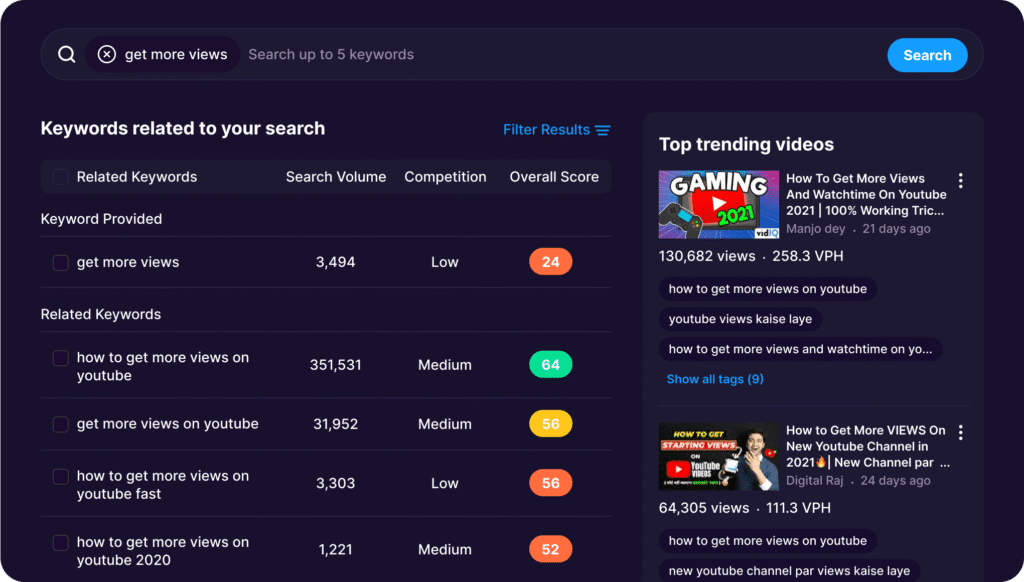
VidIQ helps with:
- keyword research
- title ideas
- trend tracking
- competitor analysis
- SEO optimization
✅ Pros
- Great trend insights
- Strong keyword tools
- Helpful for scaling channels
- Excellent browser extension
❌ Cons
- Interface can overwhelm beginners
- Free version is limited
💡 Think of it like a YouTube strategist living inside your browser.
Can AI Fully Automate a YouTube Channel?
Technically? Almost yes.
Realistically? Not really.
AI can now:
✅ write scripts
✅ generate videos
✅ create thumbnails
✅ clone voices
✅ edit content
✅ optimize SEO
But what AI still struggles with is:
- originality
- storytelling
- emotional timing
- creator personality
And viewers notice that difference immediately.
The Big Warning in 2026
YouTube has started tightening monetization rules around low-effort AI content.
Channels are at risk if they:
- mass-upload generic AI videos
- reuse stock footage without transformation
- offer zero originality or commentary
The smartest approach?
Use AI as:
an assistant, not a replacement.
Creators who combine:
- AI speed
- human editing
- personal storytelling
- branding
…are still winning big.
🎯 Best Practices for YouTube Automation
✅ What Works Well
- Repurposing long videos into Shorts
- Using AI for captions/subtitles
- Automating repetitive editing
- Speeding up research & scripting
- Batch-producing content
❌ What Hurts Channels
- Uploading fully generic AI videos
- Using robotic voiceovers without edits
- Ignoring thumbnails & storytelling
- Relying only on automation
My Honest Ranking
| Goal | Best Tool |
|---|---|
| Faceless videos | InVideo AI |
| Shorts & clipping | Opus Clip |
| SEO & growth | VidIQ |
| AI presenters | HeyGen / Synthesia |
| Fast editing | Descript |
Final Thoughts
AI tools are changing YouTube faster than ever.
For creators, that’s both exciting… and dangerous.
The creators who win in 2026 won’t be the ones using the most AI.
They’ll be the ones who know how to blend:
- automation
- creativity
- storytelling
- human connection
Because at the end of the day, viewers don’t subscribe to software.
They subscribe to people.