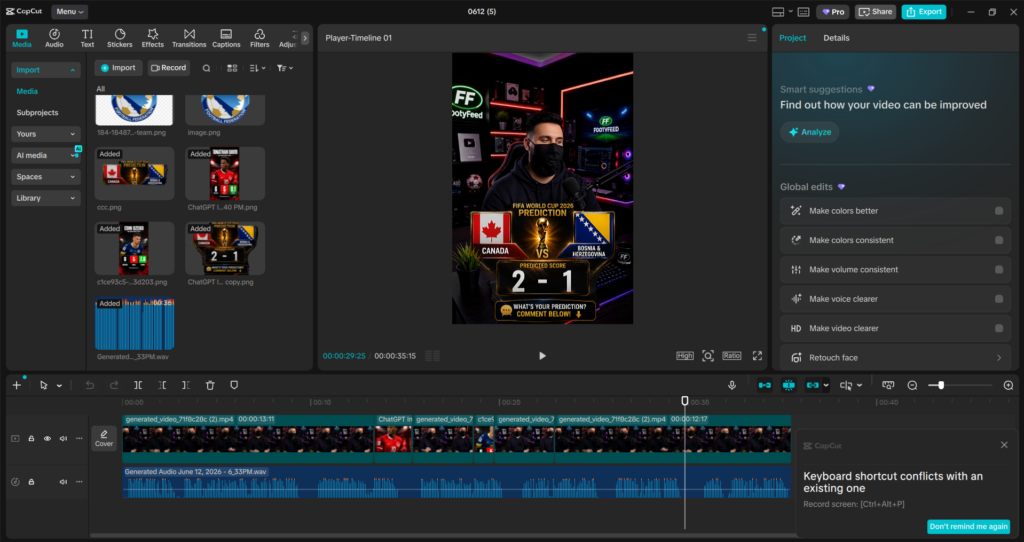
The tools creatives are actually using instead of just bookmarking and forgetting 😅
AI design tools are everywhere now.
Every week there’s a “revolutionary” app promising to replace designers overnight…
…but after testing workflows and real creator use cases, only a few tools genuinely help designers work faster without killing creativity.
Here are 5 AI design tools that truly stand out in 2026 👇
1. Canva
Best for Fast & Easy Content Design
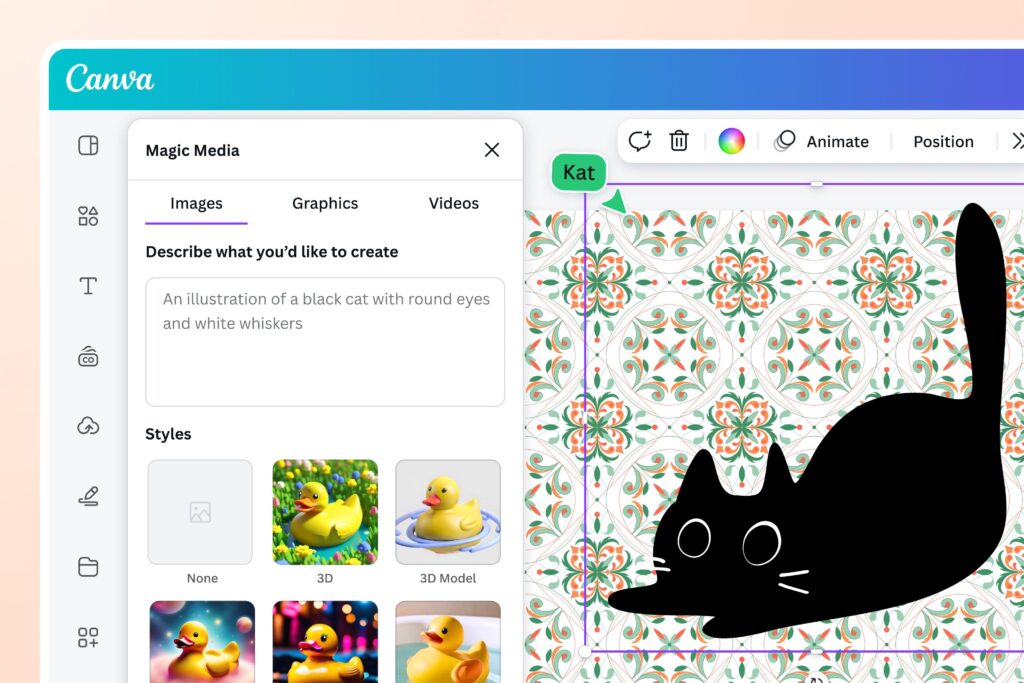
Canva became one of the most popular design tools because it makes graphic design simple for everyone, even if you have zero experience. It helps creators design social media posts, thumbnails, presentations, logos, and marketing content in just a few minutes using drag-and-drop tools and AI features.
It helps creators save time, stay consistent with branding, and create professional-looking visuals without spending hours learning complicated software.
Perfect for:
- social media posts
- thumbnails
- presentations
- posters
- branding kits
✅ What’s Great
- Very beginner-friendly
- Huge template library
- AI tools save time
- Drag-and-drop simplicity
❌ What’s Weak
- Limited advanced editing
- Some templates look overused
- Best features need Pro plan
💡 My Take:
If speed matters more than complex editing, Canva is honestly a lifesaver.
2. Midjourney
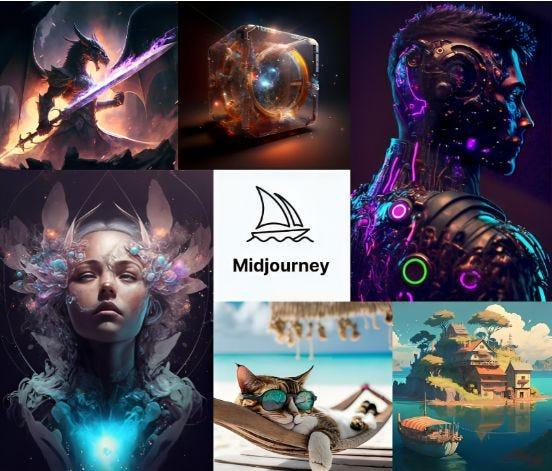
Best for Stunning AI Art
Midjourney
Midjourney is an advanced AI art generator that creates highly detailed and cinematic images from simple text prompts. Designers and digital artists use it to generate fantasy art, futuristic visuals, concept designs, posters, and creative illustrations that would normally take hours to create manually.
Type:
“Futuristic Tokyo street in neon rain”
…and the results can look straight out of a Netflix sci-fi intro 🌌
✅ What’s Great
- Incredible artistic quality
- Unique visual styles
- Perfect for concept art
- Very creative outputs
❌ What’s Weak
- Works through Discord
- Takes practice to master prompts
- No free version
💡 This tool feels less like software and more like an AI painter with insomnia ☕🎨
3. ChatGPT-4o
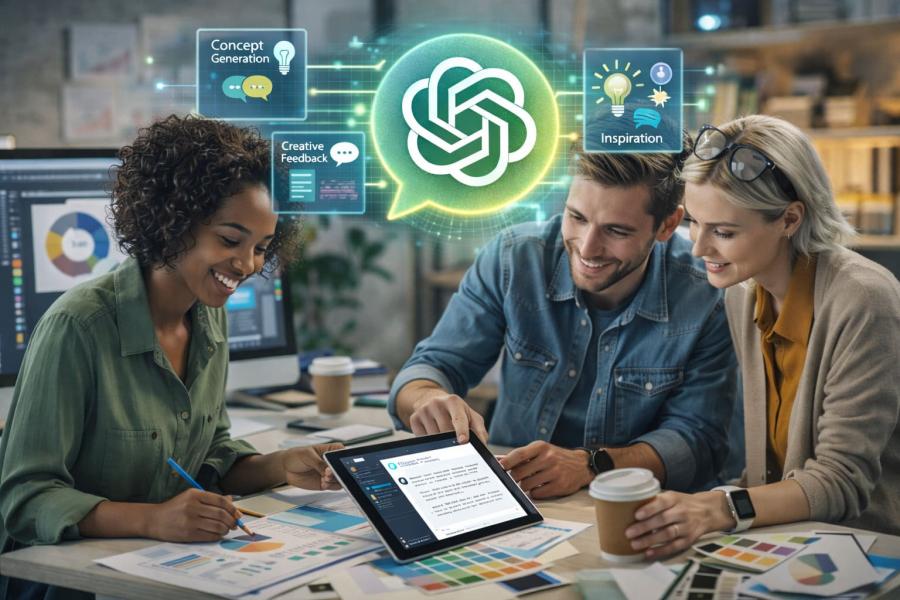
Best for Creative Brainstorming
OpenAI
Designers are now using ChatGPT for:ChatGPT-4o helps designers and creators generate ideas faster and organize creative workflows more efficiently. Instead of staring at a blank screen for hours, designers use it to brainstorm branding ideas, write content, generate campaign concepts, create design directions, and even plan full projects.
- branding ideas
- creative concepts
- campaign planning
- content organization
- naming & slogans
✅ What’s Great
- Extremely fast idea generation
- Helps beat creative blocks
- Smart workflow assistance
- Great for planning projects
❌ What’s Weak
- Not a complete design platform
- Advanced tools need paid version
💡 Sometimes the hardest part of design is the first idea. ChatGPT fixes that fast.
4. DALL·E
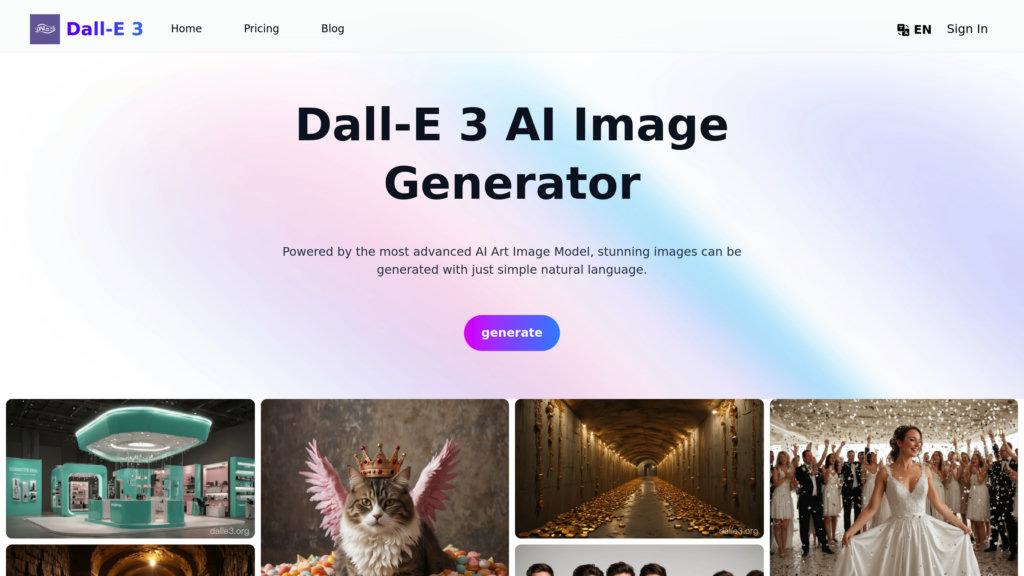
Best for Custom AI Images
OpenAI
DALL·E is an AI image generator that transforms text descriptions into unique visuals and illustrations. Designers use it to create product mockups, advertising visuals, social media graphics, and creative concepts without needing traditional drawing skills.
It helps speed up content creation and allows creators to experiment with visual ideas much faster than normal design workflows.
Designers use it for:
- product mockups
- advertising visuals
- surreal concepts
- social media graphics
✅ What’s Great
- Easy image editing
- Highly creative results
- Fast generation
- Great for experimentation
❌ What’s Weak
- Sometimes misunderstands prompts
- Free credits are limited
💡 Feels like brainstorming with an invisible designer who never gets tired 😄
5. Adobe Sensei
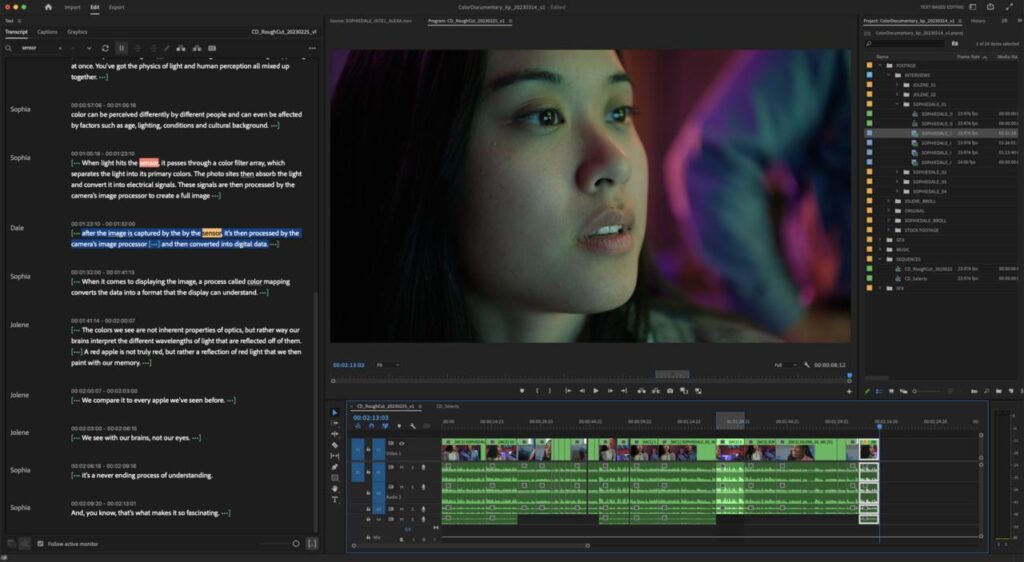
Best for Professional Editing
Adobe
Adobe Sensei is Adobe’s AI-powered technology integrated into tools like Photoshop and Lightroom. It automates difficult editing tasks such as background removal, object selection, smart retouching, and image enhancement.
It helps professional designers and photographers save hours of manual editing while improving workflow speed and editing precision.
It helps automate:
- background removal
- smart retouching
- object selection
- content-aware editing
✅ What’s Great
- Saves hours of manual work
- Professional-grade results
- Integrated into Adobe tools
- Very precise editing
❌ What’s Weak
- Requires Adobe subscription
- Can feel complex for beginners
💡 For professional designers, this is like adding rocket boosters to Photoshop 🚀
Quick Comparison Table
| Tool | Best For | Biggest Strength |
|---|---|---|
| Canva | Quick designs | Easy & beginner-friendly |
| Midjourney | AI art | Stunning visuals |
| ChatGPT-4o | Brainstorming | Creative ideas |
| DALL·E | Custom images | Fast AI generation |
| Adobe Sensei | Professional editing | Smart automation |
Final Thoughts
AI design tools are no longer “extra tools.”
They’re becoming part of every serious designer’s workflow.
But the truth is:
AI can generate fast designs…
Human creativity still gives them soul ✨
The best creators in 2026 aren’t replacing themselves with AI.
They’re using AI to remove repetitive work so they can focus more on creativity, storytelling, and originality.