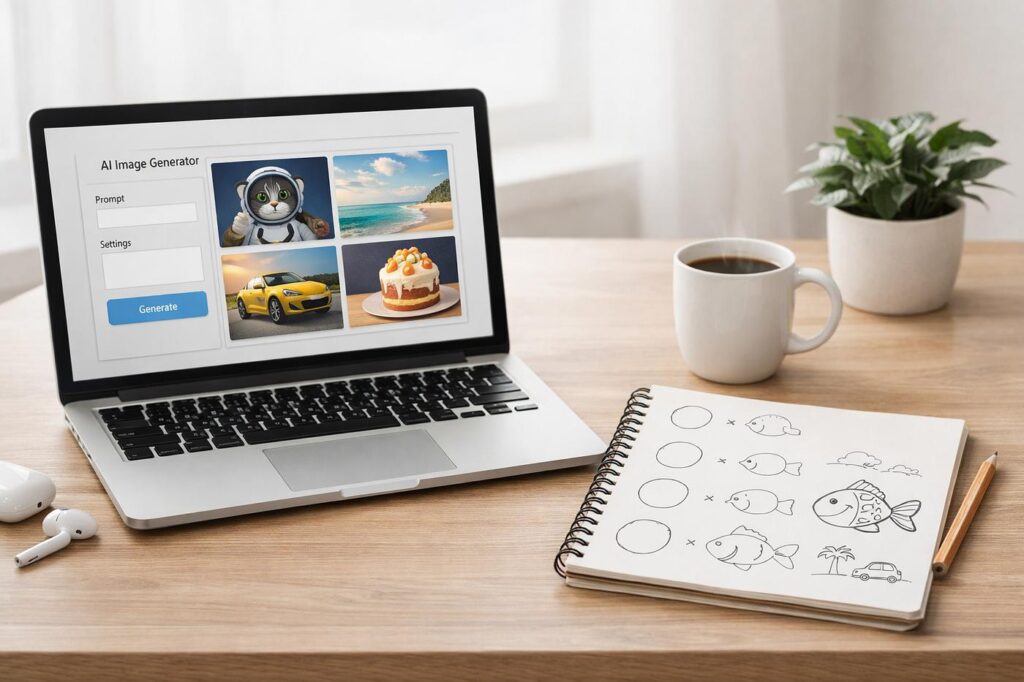
Creating colouring books used to mean spending hours sketching outlines, cleaning line art, and praying your pages looked consistent from cover to cover. In 2026, that entire workflow feels different. AI image generators have quietly become the secret weapon behind thousands of Etsy sellers, KDP publishers, teachers, and indie artists across the U.S.
But here’s the catch: not every AI image tool is actually good for colouring books.
Some platforms create beautiful artwork… that becomes a chaotic spaghetti storm once printed in black and white. Others generate clean outlines but struggle with consistency. And a few tools are surprisingly brilliant for creating entire colouring book collections in a weekend.
After reviewing current tools, creator workflows, and real user feedback, these are the AI image generators that genuinely stand out for colouring books in 2026. ✏️📚
Quick Comparison Table
| Tool | Best For | Ease of Use | Line Art Quality | Bulk Creation | Pricing |
|---|---|---|---|---|---|
| Midjourney | Artistic colouring books | Medium | Excellent | Medium | Paid |
| ChatGPT Image Generator | Prompt simplicity | Very Easy | Excellent | Medium | Paid |
| OpenArt | Kids colouring books | Easy | Excellent | Excellent | Freemium |
| Adobe Firefly | Commercial-safe designs | Easy | Very Good | Medium | Paid |
| Leonardo AI | Detailed fantasy pages | Medium | Excellent | Good | Freemium |
| Ideogram | Text + design books | Easy | Good | Medium | Freemium |
| Canva AI | Beginners & quick layouts | Very Easy | Good | Medium | Freemium |
| Dzine AI | Fast colouring page generation | Very Easy | Good | Good | Freemium |
| Stable Diffusion / SDXL | Advanced customization | Hard | Excellent | Excellent | Free/Paid |
| Colorin.ai | Full colouring book workflow | Easy | Very Good | Excellent | Freemium |
1. Midjourney
Midjourney
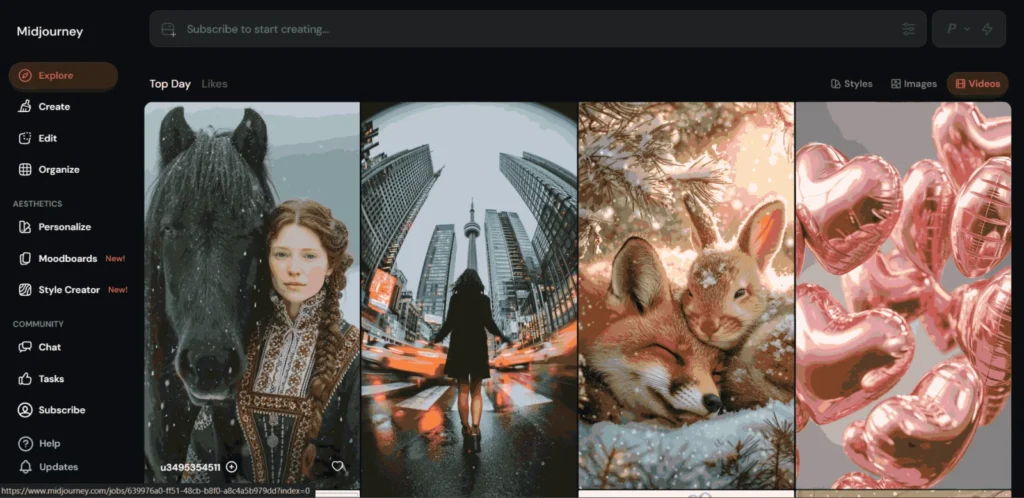
Midjourney still feels like the “artist’s choice” in the AI world. If you want colouring pages with beautiful composition, fantasy themes, cozy scenes, animals, mandalas, or highly stylized artwork, this tool is hard to beat.
The line quality is especially impressive when prompts are written correctly. Many KDP creators use Midjourney specifically for adult colouring books because the outputs feel less generic.
What It Helps With
- Fantasy colouring books
- Intricate adult colouring pages
- Consistent artistic style
- Animal and nature themes
- Etsy printable packs
✅ What’s Great
- Extremely detailed line art
- Gorgeous composition
- Strong artistic consistency
- Excellent for premium-looking books
❌ What’s Weak
- Learning curve is real
- Prompting takes practice
- Can overcomplicate images
- Subscription required
Personal Take
Midjourney produces some of the most “publishable” colouring pages I’ve seen. The downside? It occasionally behaves like a caffeinated art director who ignores instructions and adds extra chaos for fun.
Google Image Ideas
- “Midjourney colouring book pages”
- “AI fantasy colouring pages”
- “Midjourney black and white line art”
2. ChatGPT Image Generator
ChatGPT
The newer ChatGPT image generation tools became surprisingly strong for colouring books in 2026. The biggest advantage is simplicity. You can literally describe a scene naturally instead of learning strange prompt formulas.
For beginners in the U.S. market, especially Etsy creators, this is probably the easiest starting point.
What It Helps With
- Fast colouring page ideas
- Simple outline illustrations
- Character consistency
- Kids activity books
- Brainstorming niches
✅ What’s Great
- Very beginner-friendly
- Natural language prompts work well
- Great for revisions
- Strong scene understanding
❌ What’s Weak
- Sometimes too polished
- Less artistic control than Midjourney
- Can generate extra shading accidentally
Personal Take
This is probably the least frustrating AI image generator right now. You spend more time creating and less time arguing with prompts like a medieval wizard trying to summon a dragon.
Google Image Ideas
- “ChatGPT colouring page examples”
- “AI coloring book generated with ChatGPT”
- “kids coloring pages AI”
3. OpenArt
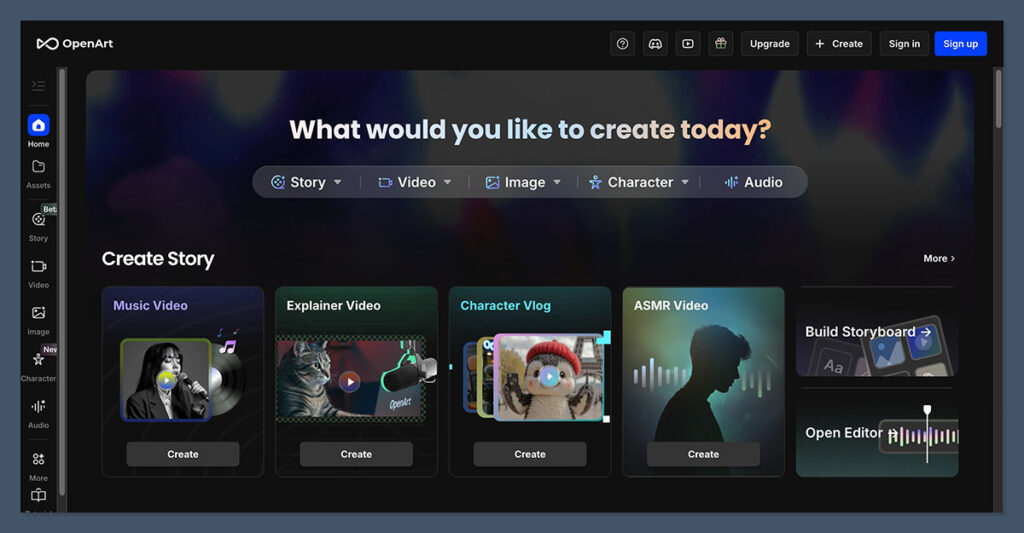
OpenArt
OpenArt became a favorite among colouring book creators because it combines multiple AI models with colouring-book-friendly workflows. Some reviewers even rank it as the best overall platform for kids colouring pages.
It’s especially good for batch creation and maintaining a consistent style.
What It Helps With
- Kids colouring books
- Bulk page creation
- Educational books
- Cartoon illustrations
- Character consistency
✅ What’s Great
- Excellent workflow tools
- Multiple AI models in one place
- Good style consistency
- Easier bulk generation
❌ What’s Weak
- Free plan is limited
- Results vary between models
- Interface can feel crowded
Personal Take
OpenArt feels like the “factory mode” option. If you want to create a full 50-page colouring book without losing your sanity, this tool saves a ridiculous amount of time.
Google Image Ideas
- “OpenArt coloring book examples”
- “AI cartoon coloring pages”
- “OpenArt line art”
4. Adobe Firefly
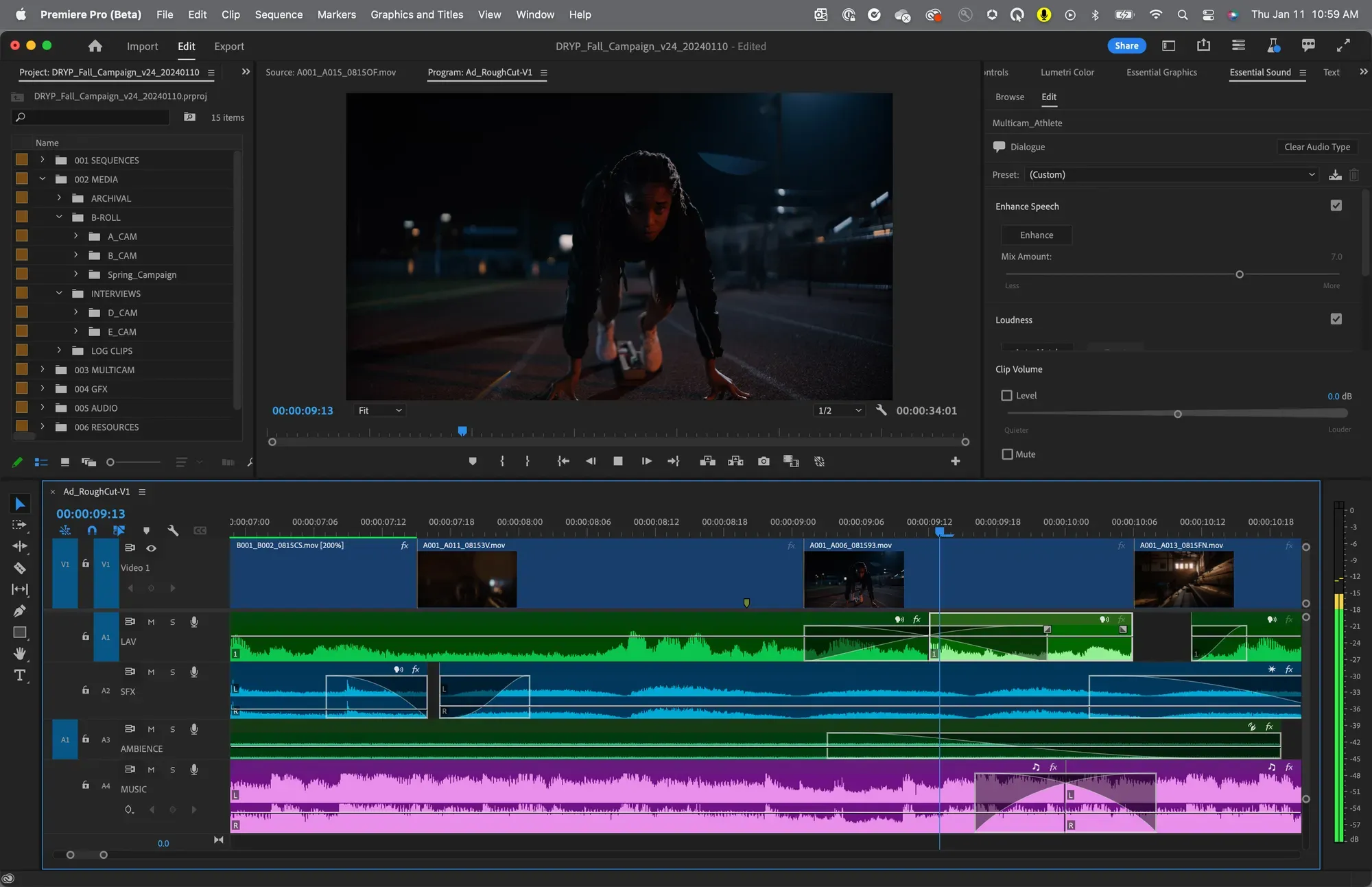
Adobe Firefly
Adobe Firefly is becoming popular with creators who care about commercial safety and copyright concerns. Adobe also introduced custom style models that help maintain consistent art styles.
For American businesses selling on Amazon KDP, that matters more than many people realize.
What It Helps With
- Commercial projects
- Brand-safe designs
- Printable outlines
- Consistent illustration styles
✅ What’s Great
- Cleaner copyright reputation
- Integrated with Photoshop
- Good for editing line art
- Reliable commercial workflow
❌ What’s Weak
- Less creative than Midjourney
- Sometimes too “corporate”
- Advanced features cost extra
Personal Take
Firefly feels less magical than some AI tools, but also less risky. It’s the dependable coffee shop laptop of AI generators.
Google Image Ideas
- “Adobe Firefly coloring book”
- “AI line art Adobe Firefly”
- “Photoshop AI coloring pages”
5. Leonardo AI
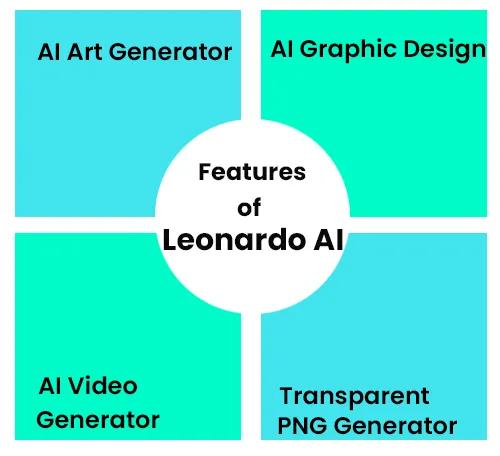
Leonardo AI
Leonardo AI has quietly become one of the strongest platforms for fantasy, gaming, and detailed illustration styles. It’s especially useful for creators making adult colouring books with intricate designs.
What It Helps With
- Fantasy books
- Mythical creatures
- Decorative pages
- Mandalas and patterns
✅ What’s Great
- Excellent detail
- Strong customization
- Fine-tuned models
- High-quality outputs
❌ What’s Weak
- Interface takes time to learn
- Can generate noisy details
- Not ideal for total beginners
Personal Take
Leonardo sometimes creates pages so detailed they look like they belong in an enchanted cathedral gift shop. Beautiful, but maybe not ideal for six-year-olds with crayons.
Google Image Ideas
- “Leonardo AI line art”
- “fantasy coloring book AI”
- “AI mandala coloring pages”
6. Ideogram
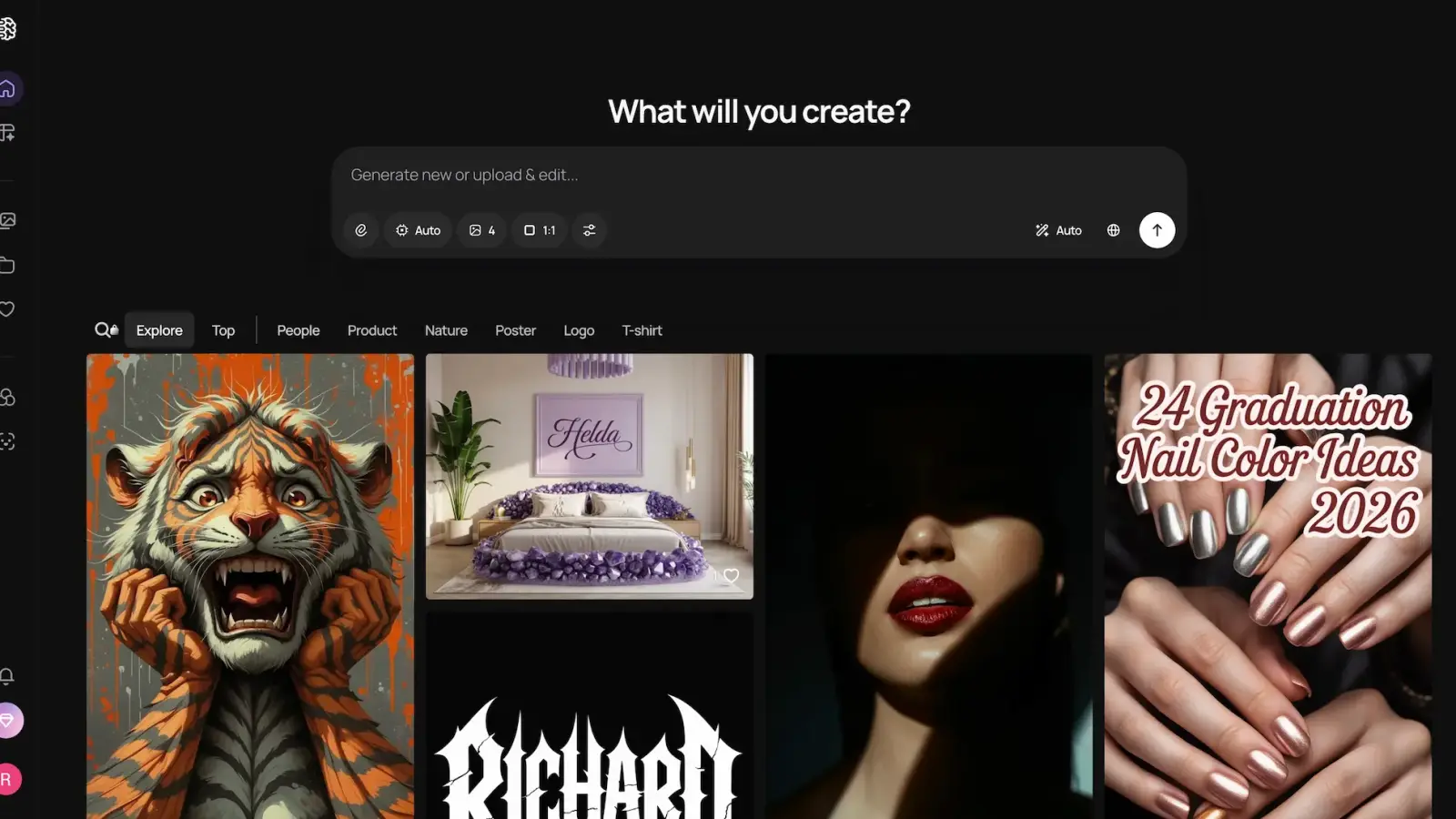
Ideogram
Ideogram became famous for generating readable text inside images. That makes it surprisingly useful for activity books, educational colouring pages, and quote-based designs.
What It Helps With
- Alphabet books
- Word colouring pages
- Educational activities
- Typography-based books
✅ What’s Great
- Excellent text rendering
- Easy to use
- Fast generation
- Good for educational content
❌ What’s Weak
- Less artistic depth
- Characters can look repetitive
- Not ideal for complex scenes
Personal Take
If your colouring book includes words, labels, tracing, or educational prompts, Ideogram saves a ton of editing time.
Google Image Ideas
- “Ideogram coloring pages”
- “AI educational coloring books”
- “typography coloring pages AI”
7. Canva AI
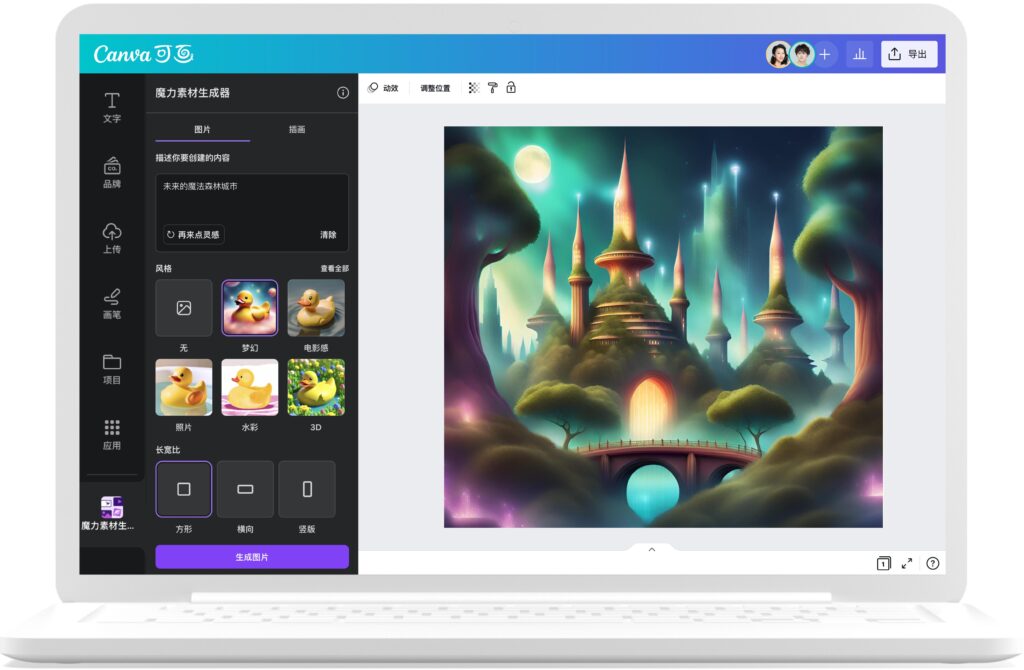
Canva
Canva AI is less about “elite AI art” and more about speed. And honestly? That matters.
For beginners creating quick colouring books for Etsy or classroom use, Canva is ridiculously practical.
What It Helps With
- Quick printable pages
- Layout design
- KDP interiors
- Classroom worksheets
✅ What’s Great
- Extremely beginner-friendly
- Built-in templates
- Easy exporting
- Great for layouts
❌ What’s Weak
- AI quality is average
- Limited artistic control
- Generic outputs sometimes
Personal Take
Canva feels like the Swiss Army knife of digital creators. Not always the fanciest tool, but somehow always useful.
Google Image Ideas
- “Canva coloring book templates”
- “AI printable coloring pages”
- “Canva AI line drawings”
8. Dzine AI
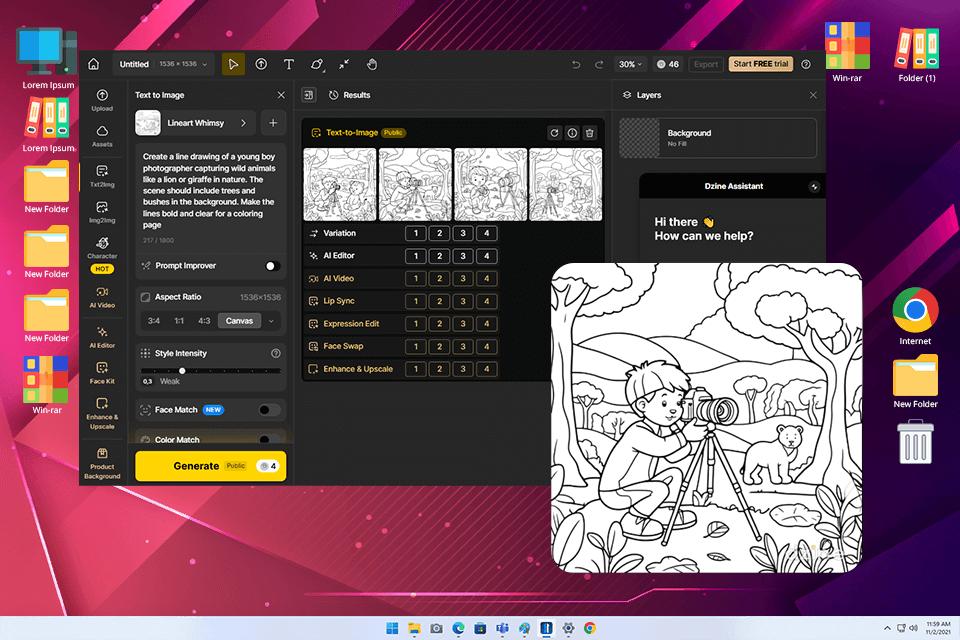
Dzine AI
Dzine AI focuses heavily on AI colouring page generation specifically. It’s straightforward, fast, and beginner-friendly.
What It Helps With
- Quick colouring page creation
- Photo-to-line-art conversion
- Kids pages
- Fast idea testing
✅ What’s Great
- Very easy workflow
- Fast generation
- Good for beginners
- Simple interface
❌ What’s Weak
- Less advanced controls
- Limited artistic depth
- Similar-looking outputs sometimes
Personal Take
Dzine AI feels built for speed rather than perfection. Useful when you need ideas quickly without wrestling with settings menus from another dimension.
Google Image Ideas
- “Dzine AI coloring pages”
- “photo to coloring page AI”
- “AI outline generator”
9. Stable Diffusion (SDXL)
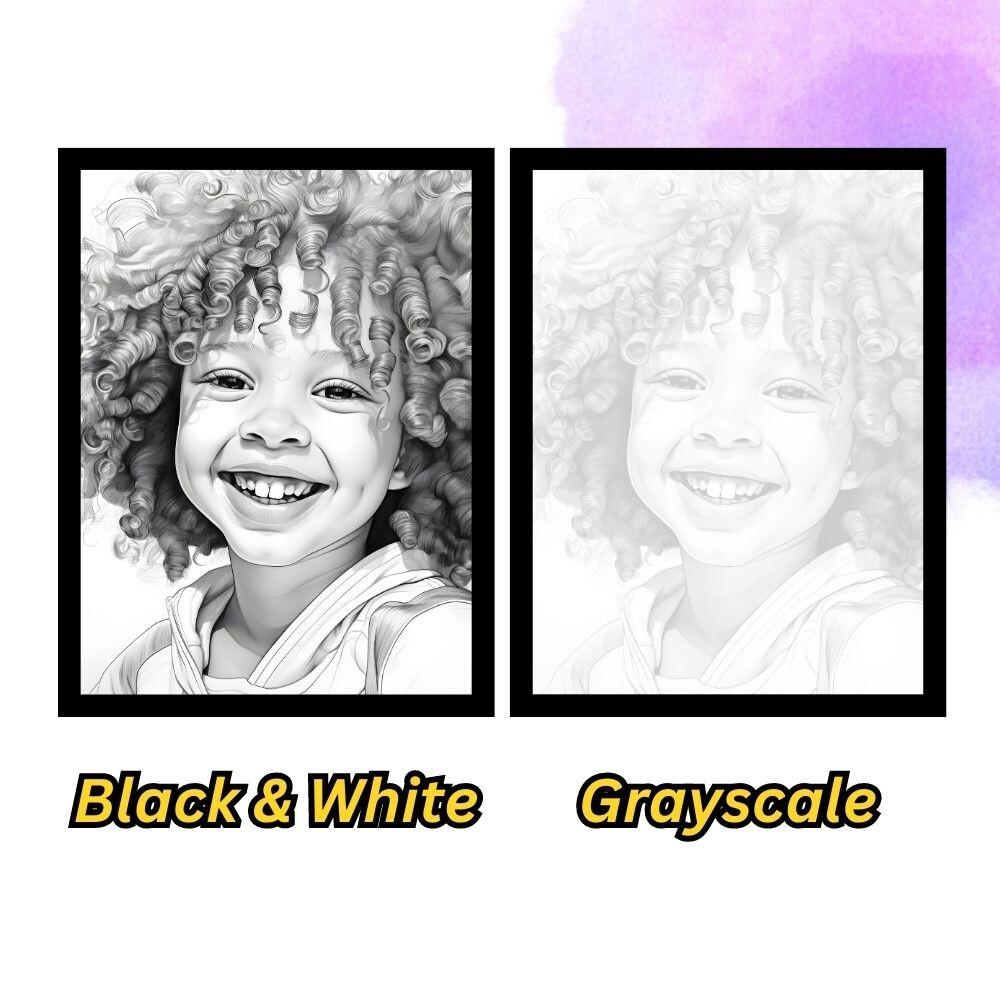
Stable Diffusion
SDXL remains the playground for advanced creators who want maximum control.
You can train custom models, automate workflows, and generate massive amounts of colouring pages if you know what you’re doing.
What It Helps With
- Full workflow automation
- Custom art styles
- Bulk generation
- Advanced editing
✅ What’s Great
- Highly customizable
- Open-source flexibility
- Massive community support
- Great for scaling businesses
❌ What’s Weak
- Technical setup
- Requires stronger hardware
- Steep learning curve
Personal Take
Stable Diffusion is like owning a professional kitchen instead of ordering takeout. Incredible power… but also many buttons capable of ruining your evening.
Google Image Ideas
- “SDXL coloring pages”
- “Stable Diffusion line art”
- “AI coloring workflow”
10. Colorin.ai
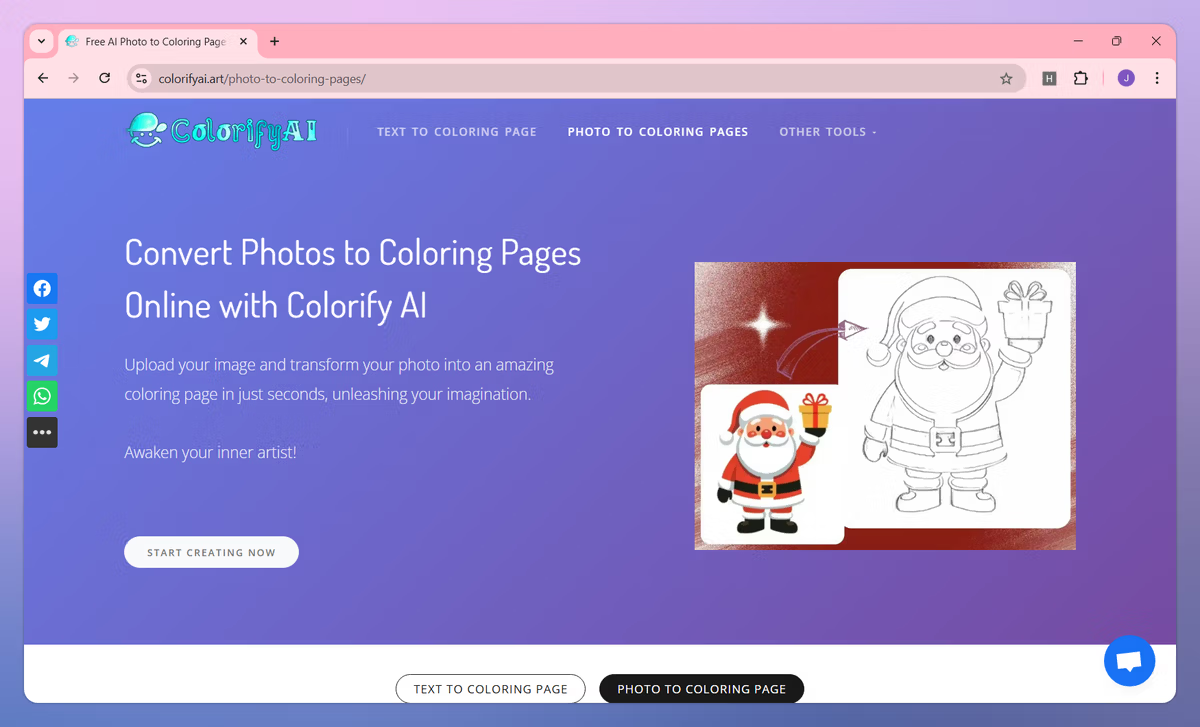
Colorin.ai
Colorin.ai focuses specifically on colouring books instead of general AI art. That specialized approach makes the workflow surprisingly smooth.
What It Helps With
- Full colouring book creation
- KDP-ready formatting
- Organizing pages
- Consistent line art
✅ What’s Great
- Designed for colouring books
- Beginner-friendly
- KDP workflow support
- Good consistency
❌ What’s Weak
- Less creative freedom
- Smaller ecosystem
- Fewer advanced controls
Personal Take
This is one of the best “all-in-one” options if your goal is publishing quickly rather than experimenting endlessly.
Google Image Ideas
- “Colorin.ai coloring books”
- “AI KDP coloring book”
- “printable coloring pages AI”
Best AI Tool by Use Case
| Use Case | Best Tool |
|---|---|
| Best Overall | Midjourney |
| Best for Beginners | ChatGPT |
| Best for Kids Books | OpenArt |
| Best for KDP Publishing | Colorin.ai |
| Best Free/Flexible Option | Stable Diffusion |
| Best for Educational Books | Ideogram |
| Best for Commercial Safety | Adobe Firefly |
Featured Image Suggestion
Google Image Idea:
“AI generated coloring book workspace with tablet, black and white line art pages, crayons, laptop with AI art software open”
Conclusion
AI image generators have completely changed how colouring books are made in 2026. What once required illustration skills, expensive software, or outsourcing can now be done by solo creators from a laptop at home.
Still, the best tool depends on your goal.
If you want artistic quality, Midjourney and Leonardo AI are difficult to beat. If you want speed and simplicity, ChatGPT and Canva are fantastic. And if your goal is publishing full colouring books on Amazon KDP, specialized tools like Colorin.ai and OpenArt make life dramatically easier.
The smartest creators are no longer using just one AI tool. They’re building small workflows using multiple platforms together.
Final Thoughts
The AI colouring book space is evolving ridiculously fast. One month a tool feels unbeatable, and the next month another platform suddenly generates cleaner outlines, better consistency, or faster workflows.
So instead of chasing the “perfect” tool, focus on this:
- Clean printable line art
- Consistent style
- Fast workflow
- Commercial usability
- Ease of editing
That combination matters far more than hype.
And honestly? The creators winning in 2026 aren’t necessarily the best artists. They’re the people who know how to turn ideas into finished books quickly, consistently, and creatively.