AI video tools are everywhere right now, but honestly, most of them still feel unfinished. Some generate weird animations, others give low-quality results, and many are just too complicated for beginners.
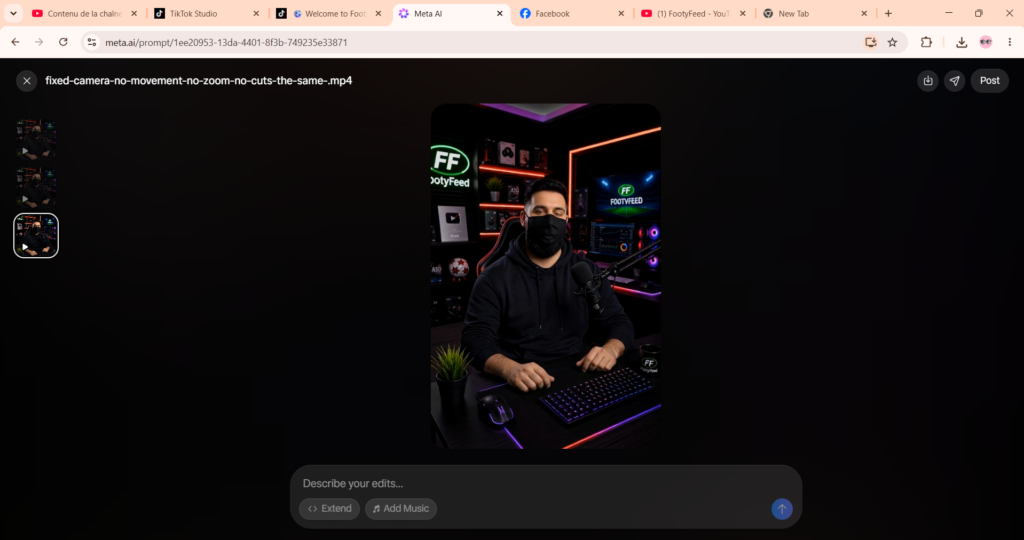
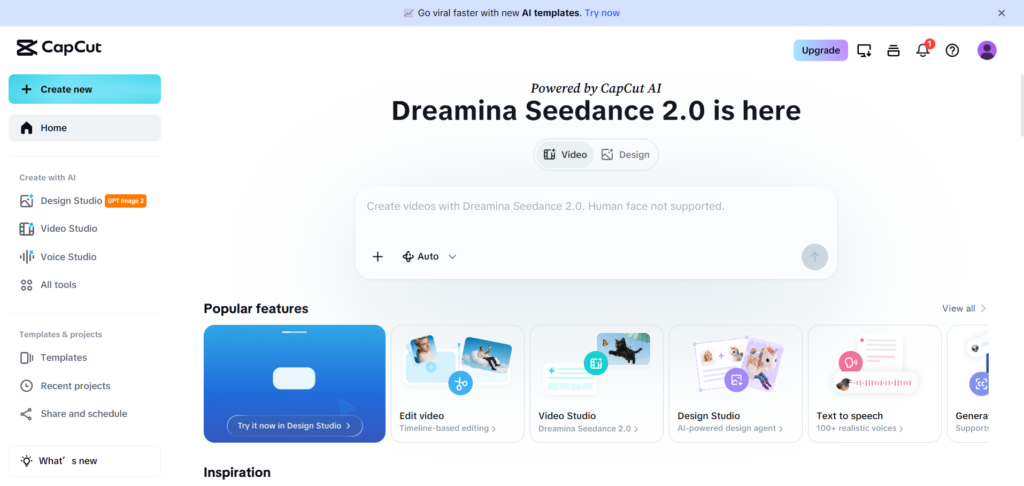
Over the last few weeks, I decided to test different AI video tools for my own content creation projects. One of the most interesting combinations I tried was using PixVerse AI together with CapCut Desktop to create a cinematic short-form history video for my YouTube and TikTok pages.
And surprisingly… the result was actually better than I expected.
My Goal
I didn’t want to make random AI clips just for views.
I wanted to create something that looked cinematic, emotional, and visually interesting.
The idea was simple:
- Generate AI scenes using PixVerse AI
- Create a story around history and world events
- Edit everything inside CapCut
- Add cinematic music, transitions, and subtitles
- Upload it to YouTube Shorts and TikTok
I also wanted to test how far AI tools can go for creators who don’t have a professional editing team.
Why I Chose PixVerse AI
After trying several AI generators, PixVerse felt more creative than many other tools I tested.
What I liked the most:
✅ Cinematic Visual Quality
PixVerse creates scenes that actually feel alive.
Lighting, camera movement, and atmosphere look much more cinematic compared to many basic AI generators.
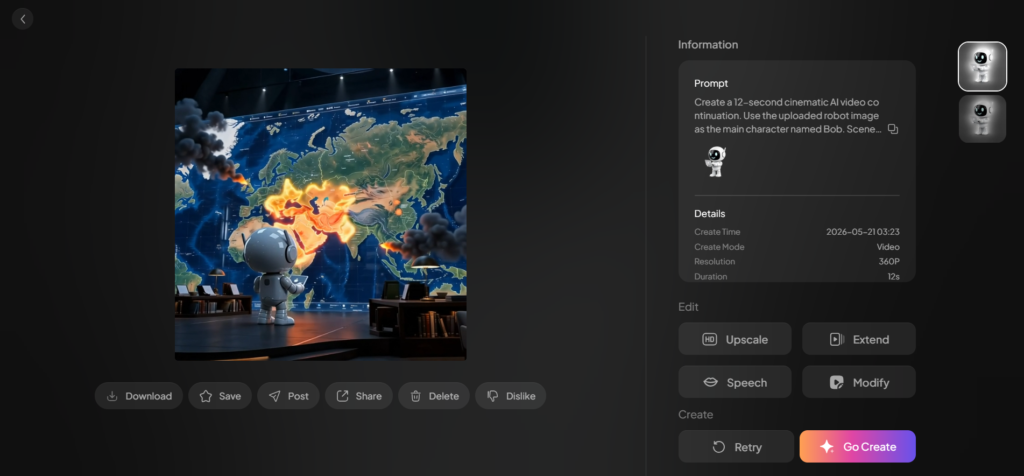
For my history-themed video, I generated scenes showing:
- world maps
- war environments
- futuristic rooms
- cinematic robot storytelling scenes
- dramatic fire and smoke effects
Some results honestly looked like movie shots.
✅ Easy Prompt System
One thing I appreciated was how simple the prompting system is.
You can describe scenes naturally without needing complicated technical prompts.
For example, I used prompts similar to:
“Create a cinematic AI history scene with dramatic lighting and futuristic atmosphere.”
And the tool understood the vibe pretty well.
That makes it beginner-friendly compared to tools that require super detailed prompting knowledge.
My Editing Workflow With CapCut ✂️
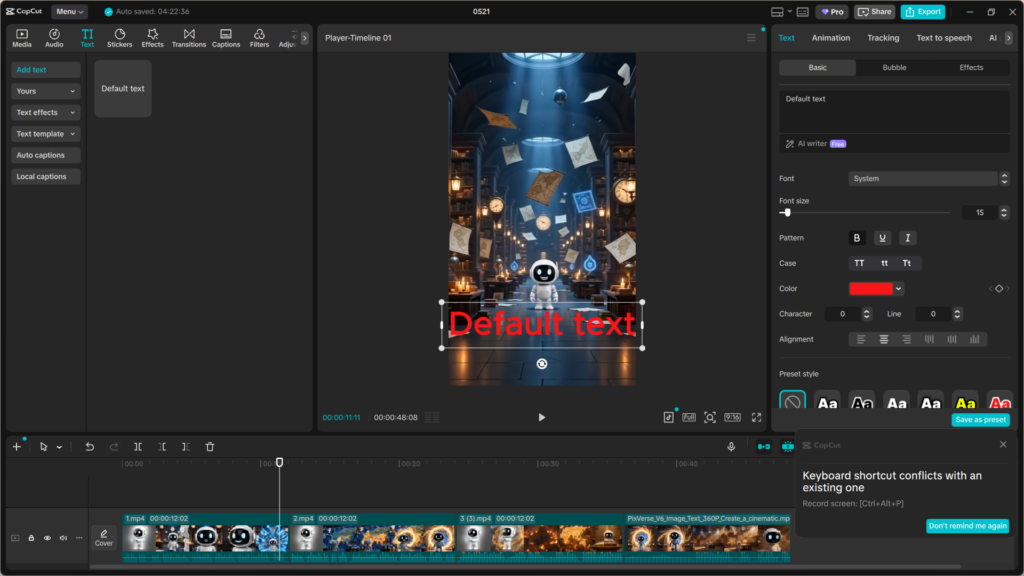
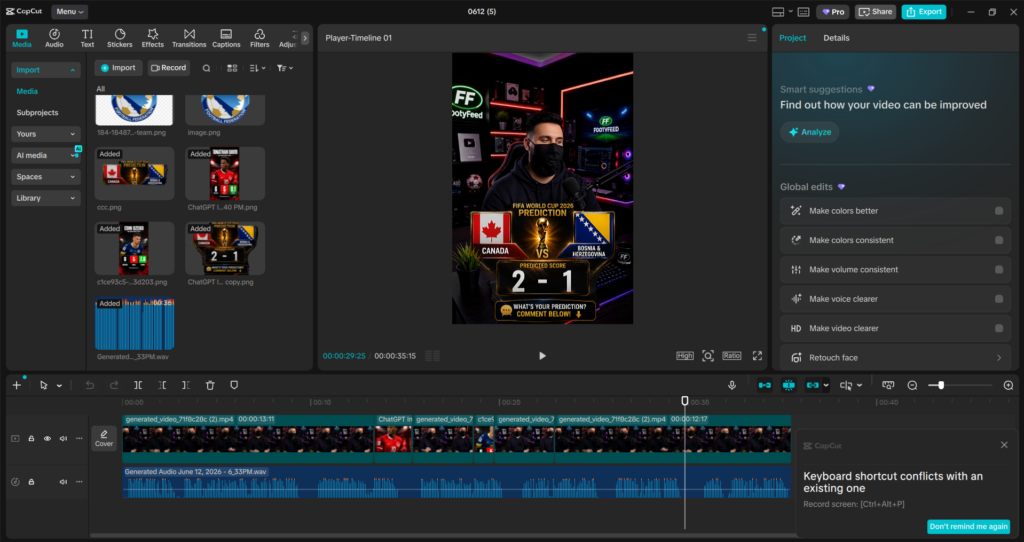
After generating multiple clips from PixVerse AI, I moved everything into CapCut Desktop.
This is where the real magic happened.
CapCut made it very easy to:
- organize scenes
- cut unnecessary parts
- sync clips with music
- add cinematic text
- create smooth transitions
- export vertical TikTok/YouTube Shorts videos
I personally think CapCut is one of the best free editors right now for short-form content creators.
Especially if you create:
- TikTok videos
- YouTube Shorts
- Instagram Reels
- AI storytelling videos
What I Added Inside CapCut
Here’s what improved my final result the most:
🎵 Cinematic Music
Music changes everything.
Without music, AI videos can feel empty.
I added dramatic background audio to make scenes feel more emotional and intense.
📝 Animated Text
I used bold animated subtitles and short captions to make the video easier to follow.
This also helps retention on TikTok and YouTube Shorts because many viewers watch without sound.
🎞️ Smooth Scene Transitions
Instead of hard cuts, I used cinematic transitions between scenes.
Small details like this make AI videos feel much more professional.
The Biggest Problem I Faced
Not everything was perfect.
❌ AI Inconsistency
Sometimes PixVerse generated amazing scenes…
and other times characters looked strange or movements became unrealistic.
That’s normal with most AI video tools right now.
I had to regenerate certain scenes multiple times until they looked usable.
❌ Rendering Takes Time
Good AI generations are not instant.
Some cinematic scenes took longer to generate, especially high-detail shots.
If you want quality results, patience is part of the process.
❌ Editing Still Matters
A lot of people think AI automatically creates viral content.
Not true.
Even with powerful AI tools, you still need:
- storytelling
- pacing
- good music
- editing decisions
- creativity
AI helps a lot, but it doesn’t replace human ideas.
Final Result
After combining PixVerse AI with CapCut editing, I created a cinematic history-style short video that honestly looked far more professional than I expected for an AI-generated project.
The final video was uploaded to:
- YouTube Shorts
- TikTok
And it gave me a better understanding of how creators can use AI tools in real content production instead of just making random experiments.
My Honest Opinion
Would I Recommend PixVerse AI?
Yes… but with realistic expectations.
It’s great for:
✅ cinematic AI scenes
✅ storytelling projects
✅ short-form content creators
✅ TikTok and YouTube Shorts
✅ experimenting with AI filmmaking ideas
But it still has limitations:
❌ occasional weird generations
❌ inconsistent character movement
❌ generation time can be slow
❌ requires editing skills for best results
Is CapCut Still Worth Using in 2026?
Absolutely.
Even with many new AI editors appearing, CapCut is still one of the easiest and most practical tools for creators who want fast and professional-looking edits without spending hours learning advanced software.
For my workflow, combining:
- PixVerse AI for generation
- CapCut for editing
worked surprisingly well.
Final Thoughts 🚀
AI video creation is moving insanely fast right now.
A few years ago, making cinematic content required expensive software, professional cameras, and large teams.
Now a single creator can generate scenes with AI, edit everything on a laptop, and publish content worldwide in the same day.
Tools like PixVerse AI and CapCut are changing how creators work, especially for short-form storytelling content.
The technology still isn’t perfect… but honestly, it’s already powerful enough to create content that looks impressive when used correctly.