Creating professional video intros used to require expensive software, advanced animation skills, and hours of editing. Today, AI tools have completely changed the process.
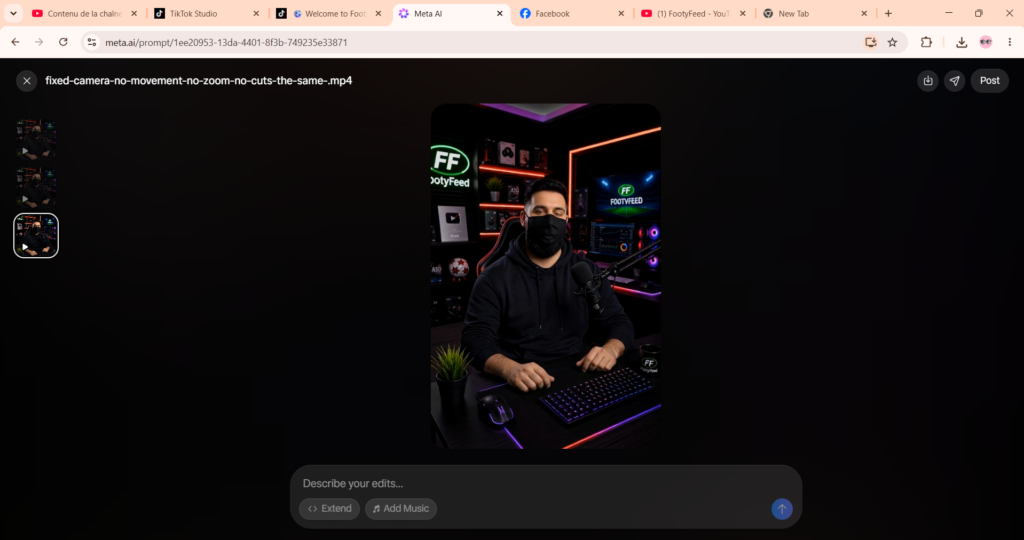
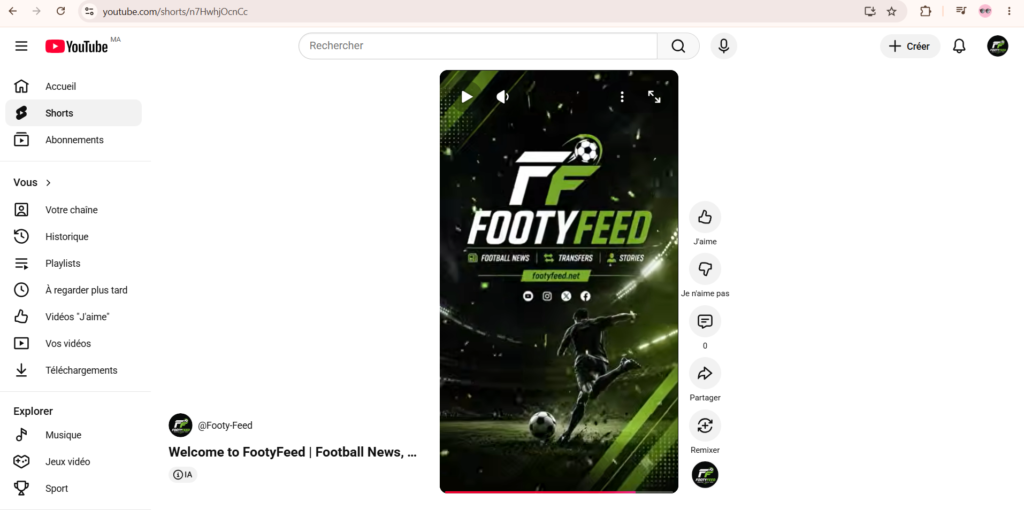
For my football brand, FootyFeed, I wanted to create a professional football intro that looked like something from a sports network. Instead of hiring a designer or animator, I used a combination of Google Flow AI, ChatGPT, AI Image Generation Tools, and CapCut.
In this tutorial, I’ll show the complete workflow I used, from brainstorming ideas to generating images, creating animations, editing the final video, and building a strong football brand identity.
Tools Used in This Project
The entire intro was created using the following tools:
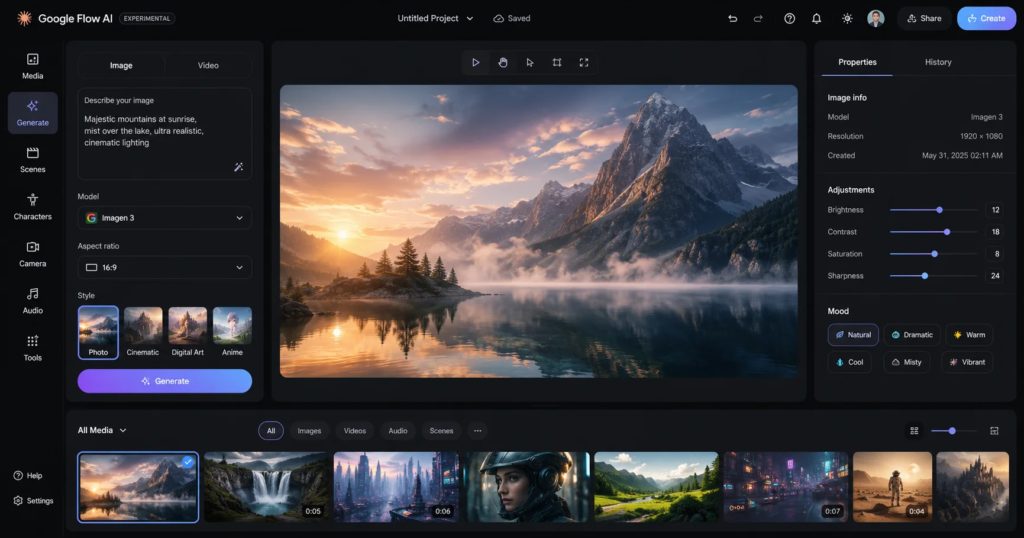
Google Flow AI
Google Flow was used for generating scenes, storyboards, visual concepts, and AI-powered video ideas.
🔗 https://labs.google/fx/tools/flow/
ChatGPT
ChatGPT helped create:
- Video concepts
- Storyboards
- AI prompts
- Video scripts
- Creative ideas
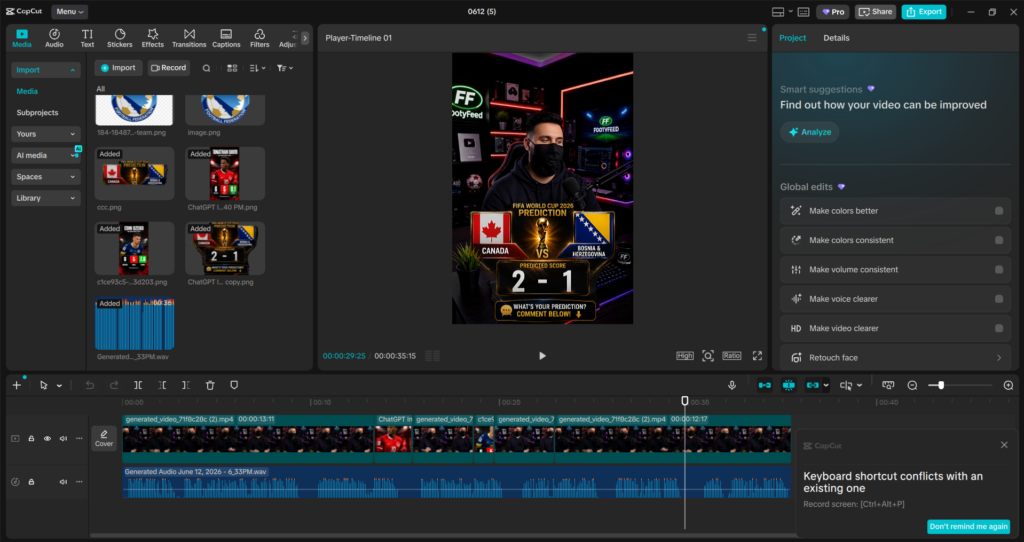
CapCut
CapCut was used for:
- Final video editing
- Effects
- Sound design
- Transitions
- Text animations
Pexels
Used for copyright-free football footage and stadium videos.
🔗 https://www.pexels.com/videos/
Pixabay
Additional free football videos and images.
Mixkit
Free sports and football footage.
🔗 https://mixkit.co/free-stock-video/
Why I Created FootyFeed
The goal was simple.
I wanted to create a football-focused media brand capable of publishing:
- Football News
- Transfer Updates
- Player Stories
- Football Facts
- Match Analysis
- World Cup Content
To make the channel look professional from day one, I decided to create a custom intro animation that would become part of the FootyFeed identity.
Creating the FootyFeed Logo
The first step was designing a recognizable logo.
The logo uses:
- Black background
- White and Green FF initials
- Football graphic
- Minimalist design
A simple logo is important because it remains visible even when displayed in very small sizes across YouTube.
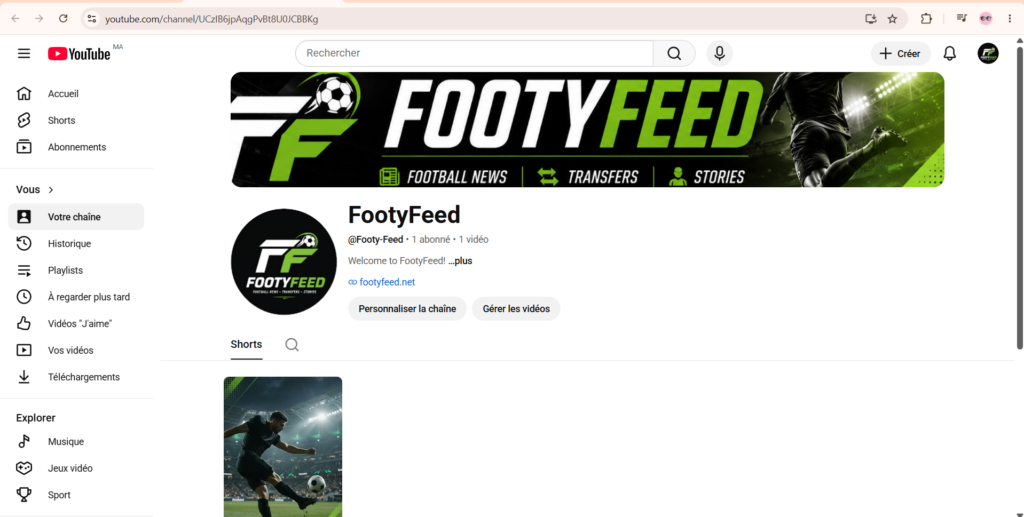
Designing the Channel Banner
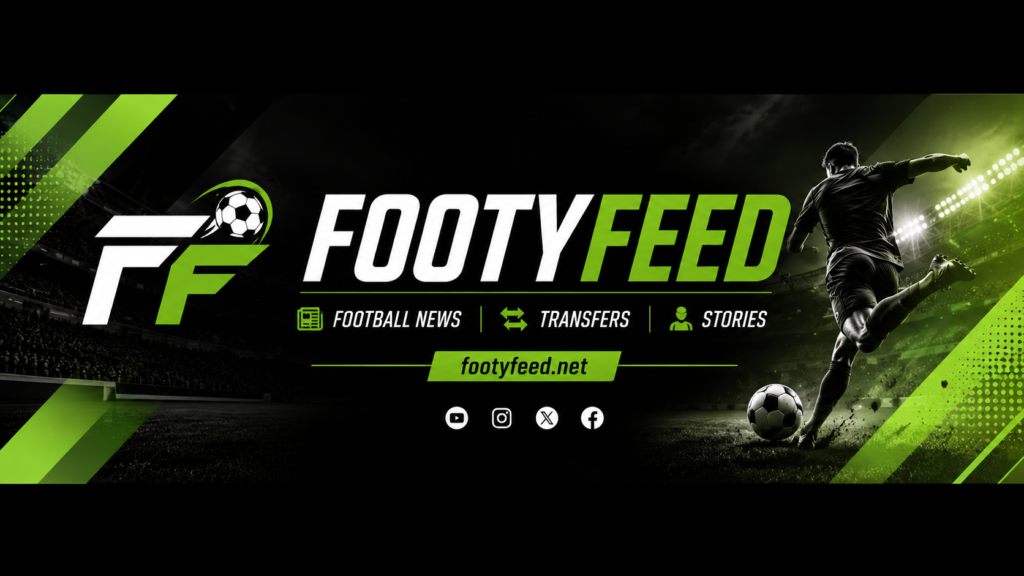
Once the logo was complete, I designed a YouTube banner using the same visual identity.
The banner includes:
- Football stadium background
- Football player silhouette
- Neon green effects
- FootyFeed branding
Maintaining consistent branding across all platforms helps build audience recognition.
Using ChatGPT to Create the Intro Concept
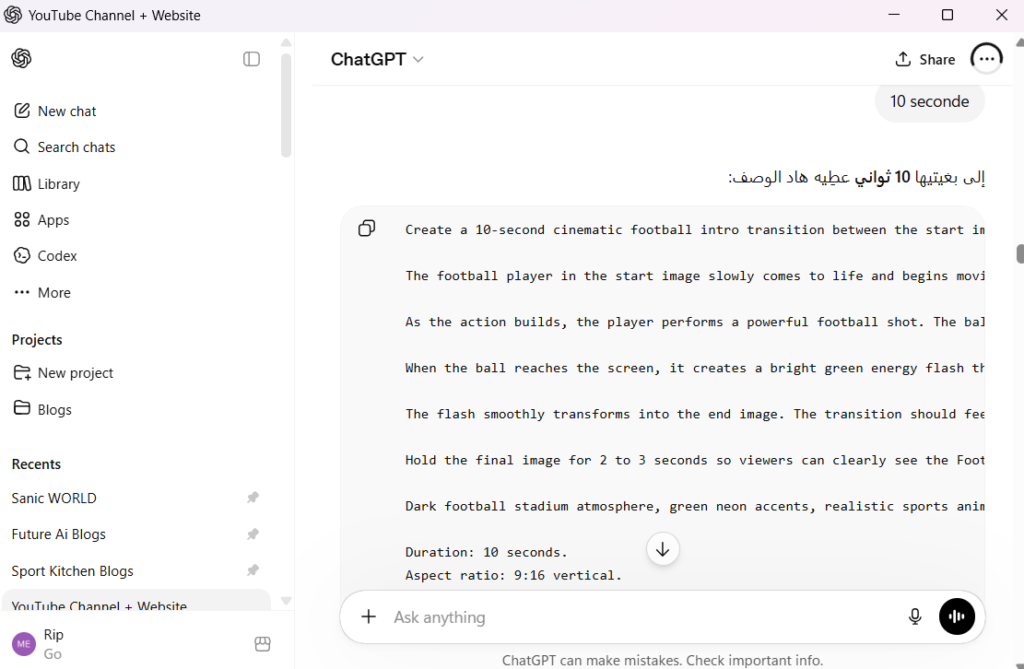
Instead of creating a random intro, I wanted a mini football story.
Using ChatGPT, I developed the following concept:
Intro Sequence
- Football player appears.
- Player starts running.
- Player kicks the ball.
- Camera follows the ball.
- Ball flies toward the viewer.
- Impact effect.
- FootyFeed logo reveal.
This simple sequence feels dynamic and professional.
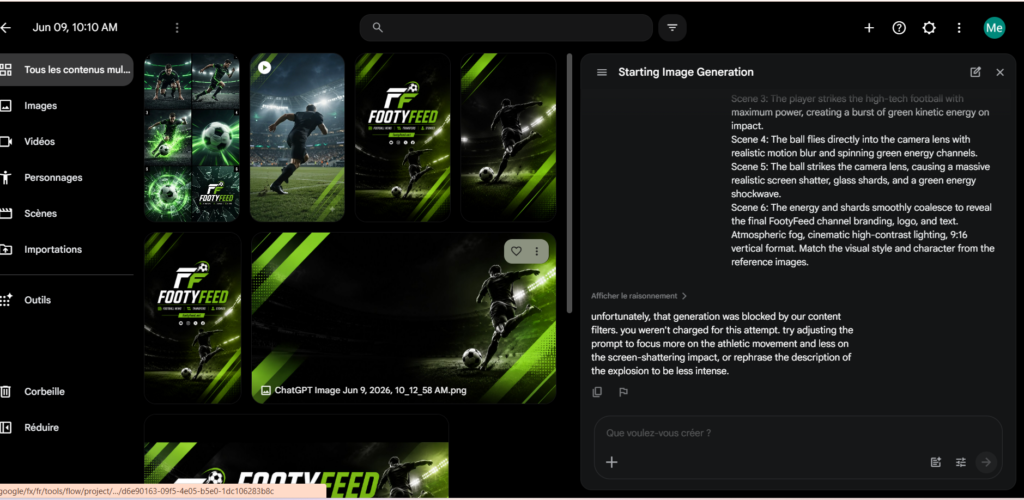
Creating AI Images
The next step involved generating the images that would become the foundation of the intro.
I generated:
- Stadium scenes
- Football player scenes
- Branding scenes
- Logo reveal screens
The most important assets were:
Start Image
The football player standing inside the stadium.
End Image
The complete FootyFeed branding screen.
These two images became the visual anchors of the animation.
Generating the Animation in Google Flow
Once the images were prepared, they were imported into Google Flow.
The objective was to animate the player and create a realistic football sequence.
The AI prompt instructed Flow to:
- Animate the football player
- Simulate realistic running
- Create football physics
- Follow the ball with the camera
- Reveal the FootyFeed branding
Several generations were tested before obtaining satisfying results.
Prompt Engineering: The Most Important Step
One of the biggest lessons from this project was the importance of prompt engineering.
The more detailed the prompt, the better the results.
Instead of writing:
“Football player kicks ball”
I wrote:
“Player runs naturally, performs a powerful shot, camera follows the football, ball impacts the camera lens, green energy flash reveals the final branding.”
This produced significantly better results.
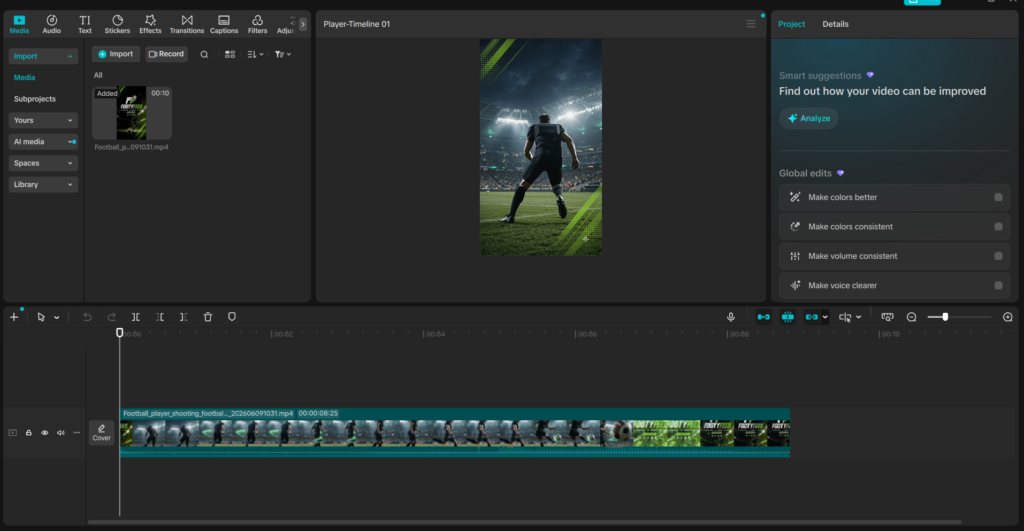
Editing the Final Video in CapCut
Although AI generated the visuals, CapCut was essential for polishing the final result.
Inside CapCut I added:
Sound Effects
- Football kick
- Impact sounds
- Energy effects
Transitions
- Zoom effects
- Flash transitions
- Motion blur
Logo Reveal
The FootyFeed logo was animated for a smoother final reveal.
Color Enhancement
Green neon effects were strengthened to match the channel branding.
Challenges I Faced
Creating AI videos is not always perfect.
Some problems included:
Incorrect Character Motion
The AI sometimes generated unrealistic movement.
Static Animations
Some scenes looked like moving photographs instead of real videos.
Weak Transitions
Certain generations failed to create smooth transitions between scenes.
Prompt Misunderstanding
The AI occasionally focused on visual effects instead of football action.
These issues required multiple generations and prompt refinements.
What Worked Best
After multiple tests, these techniques produced the best results:
Use Clear Prompts
Specific instructions consistently outperform generic prompts.
Maintain Visual Consistency
Use the same:
- Colors
- Fonts
- Effects
- Logo style
throughout the project.
Keep the Intro Short
A football intro should be:
- 3 to 10 seconds maximum
Long intros reduce viewer retention.
Build a Story
Even a short intro feels more professional when it follows a narrative sequence.
Benefits of Using AI for YouTube Content Creation
AI dramatically reduces production time.
Advantages include:
- Faster content creation
- Lower production costs
- Professional branding
- Better visual quality
- More creative experimentation
For small creators, this can be a major competitive advantage.
Recommended Resources for Football Content Creators
ChatGPT
Google Flow
CapCut
Pexels Videos
Pixabay Videos
Mixkit
Canva
Adobe Express
Final Thoughts
Creating the FootyFeed intro proved that modern AI tools can help creators produce professional content without expensive software or advanced design skills.
By combining Google Flow AI for visual generation, ChatGPT for planning and prompt engineering, and CapCut for editing and refinement, it is possible to create impressive football content quickly and efficiently.
As AI technology continues to evolve, creators who learn these tools early will have a significant advantage in building brands, growing audiences, and producing high-quality content at scale.
SEO Keywords
Google Flow AI, ChatGPT Video Creation, CapCut Tutorial, Football Intro Animation, AI Video Generator, Google Flow Tutorial, YouTube Channel Branding, AI Content Creation, Football Channel Design, AI Video Workflow, YouTube Intro Maker, FootyFeed, Football Media Brand, AI Animation Tutorial, Sports Video Creation
Meta Description
Learn how to create a professional football intro video using Google Flow AI, ChatGPT, and CapCut. Follow this complete tutorial covering branding, AI image generation, video creation, editing, and YouTube channel growth.