Introduction
Creating educational videos for YouTube Kids used to require animation skills, voice actors, designers, and expensive software.
Today, AI tools can handle almost the entire workflow.
In this tutorial, I’ll show exactly how I created a complete numbers learning video from 1 to 10 using ChatGPT, Dola AI, Google Flow, and CapCut.
The goal was simple:
- Create a fun educational video for children
- Teach numbers from 1 to 10
- Use AI for scripting and visual generation
- Keep production time and costs extremely low
By the end of this guide, you’ll understand the complete workflow from idea to finished video.
Tools Used In This Project
| Tool | Purpose |
|---|---|
| ChatGPT | Creating the script and prompts |
| Dola AI | Creating the background images |
| Google Flow | Generating animated video clips |
| CapCut | Final editing and assembly |
Step 1: Creating the Video Script with ChatGPT
The first step was generating the educational scenario.
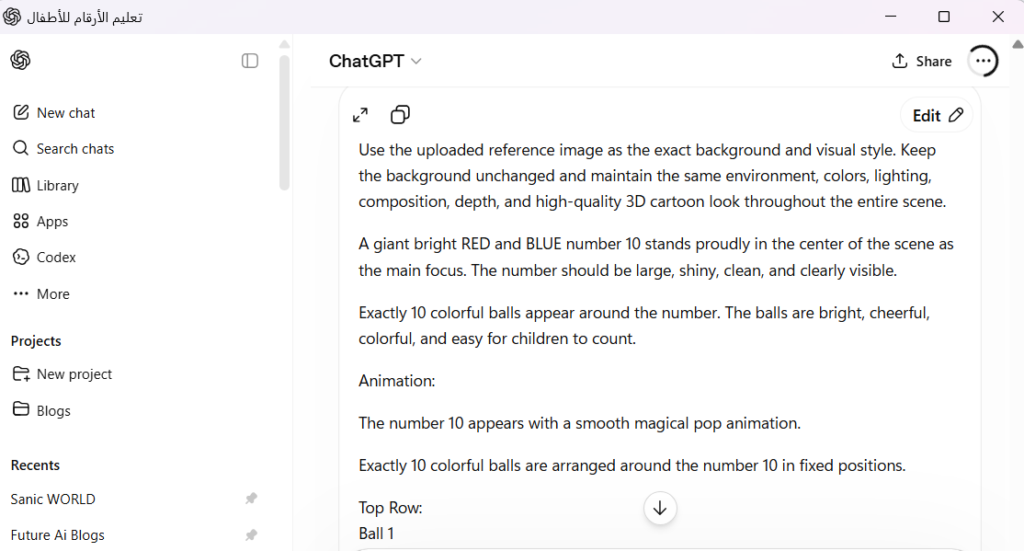
I asked ChatGPT to create a numbers learning video for children.
The original concept included:
| Number | Object |
|---|---|
| 1 | Sun |
| 2 | Birds |
| 3 | Apples |
| 4 | Frogs |
| 5 | Balloons |
| 6 | Honey Pots |
| 7 | Gift Boxes |
| 8 | Crayons |
| 9 | Gift Boxes |
| 10 | Balls |
Each scene included:
- Number introduction
- Object counting
- Voice-over sentence
- Animation instructions
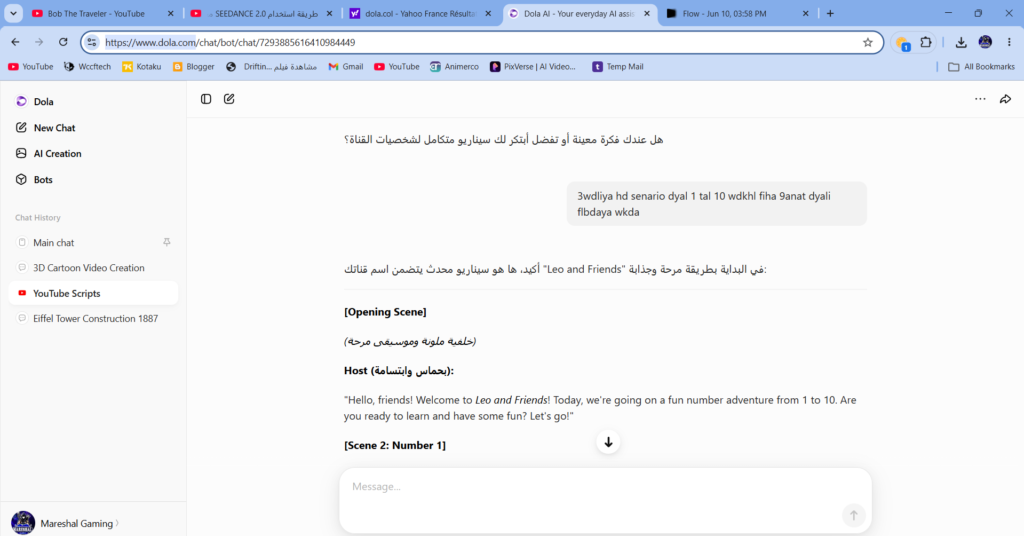
Step 2: Creating the Background Artwork with Dola AI
Once the script was ready, I needed a consistent background style.
I used Dola AI to generate a colorful cartoon environment suitable for children.
Requirements:
- Bright colors
- Cartoon style
- Vertical format (9:16)
- Playground atmosphere
- Rainbow
- Friendly environment
The goal was to reuse the same visual style across all numbers.
Why Consistent Backgrounds Matter
Using the same background style creates:
- Better visual consistency
- Stronger branding
- Easier video generation
- Better audience retention
Step 3: Creating Number Images
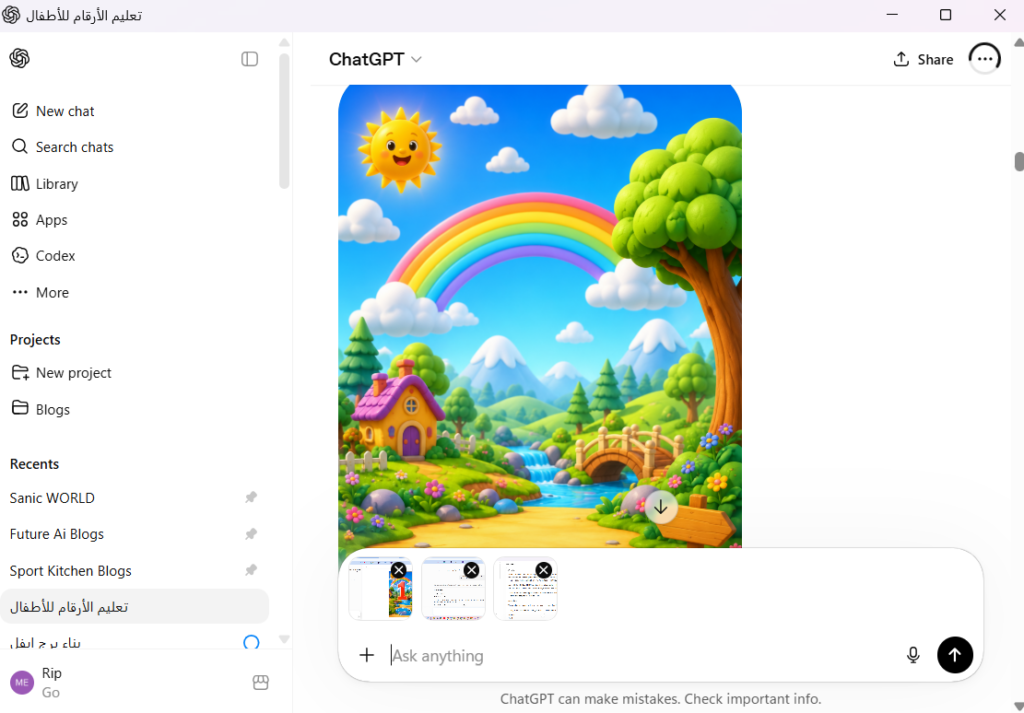
After generating the background, I created individual images for each number.
For example:
- Number 1 → Red
- Number 2 → Blue
- Number 3 → Yellow
- Number 4 → Green
- Number 5 → Purple
- Number 6 → Orange
- Number 7 → Pink
- Number 8 → Cyan
- Number 9 → Gold
- Number 10 → Red and Blue
Each image included:
- Large number
- Relevant objects
- Child-friendly design
- Bright colors
Step 4: Animating Everything with Google Flow
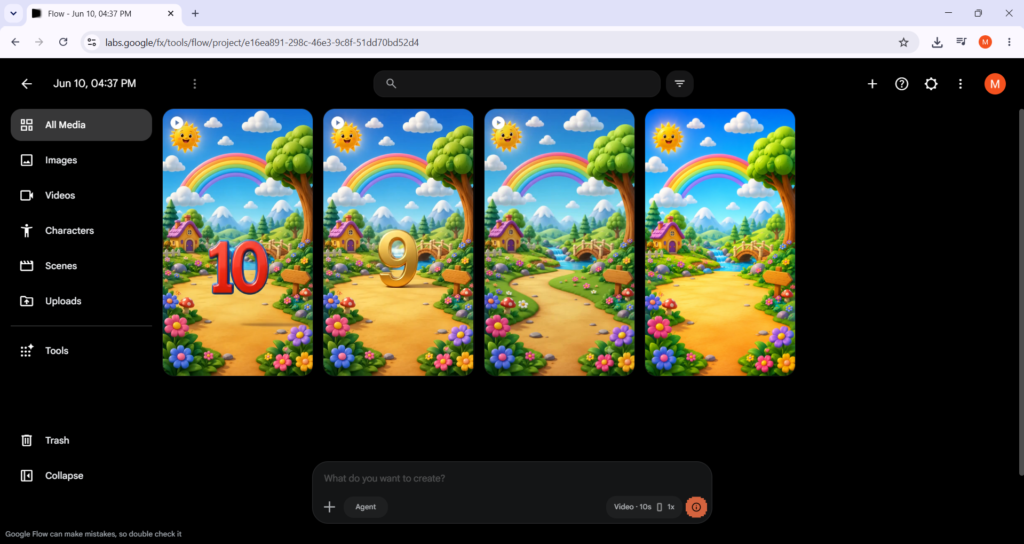
Google Flow was used to convert static images into animated video clips.
For every number:
- Upload image
- Add animation prompt
- Generate video
- Download result
The most important lesson I learned:
Avoid Camera Movement
At first I used:
The camera performs a slow zoom-in.This created unwanted movement.
Instead, I switched to:
Static camera.
Locked camera.
No zoom.
No panning.
This dramatically improved the results.
Common Problems I Encountered
AI video generation is not perfect.
Several issues appeared during production.
Problem 1: Wrong Object Counts
Example:
The prompt requested:
- 6 bees
Flow generated:
- 8 bees
This happened because moving animals are difficult for AI to count accurately.
Solution
Replace moving animals with static objects.
Instead of:
- Bees
- Rabbits
- Monkeys
Use:
- Honey pots
- Crayons
- Gift boxes
- Balls
The counting becomes much more accurate.
Problem 2: Object Duplication
Sometimes AI duplicates objects unexpectedly.
Solution:
Use prompts such as:
Exactly 8 crayons.

Do not create 7 crayons.
Do not create 9 crayons.

All 8 crayons must remain visible.
Problem 3: Camera Drift
Google Flow occasionally changes framing.
Solution:
Static camera.
Locked camera.
Keep exact framing.
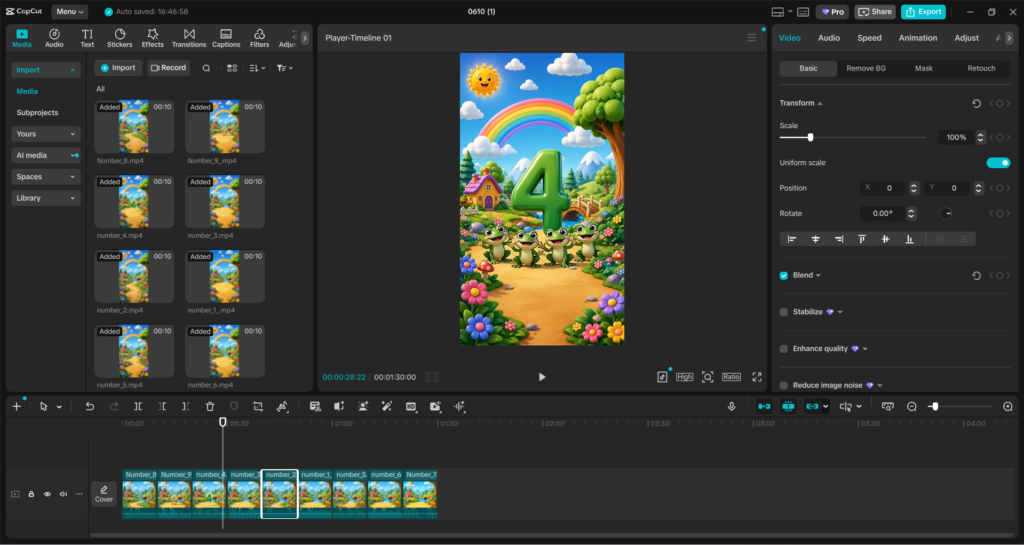
Step 5: Editing Everything in CapCut
Once all clips were generated:
- Import videos
- Arrange clips from 1 to 10
- Add voice-over
- Add background music
- Add transitions if needed
CapCut made final assembly extremely easy.
Final Results
The finished video included:
- 10 educational scenes
- Consistent visual style
- AI-generated animation
- Child-friendly design
- Vertical YouTube Shorts format
Production time was dramatically lower than traditional animation methods.
Advantages of This Workflow
| Benefit | Description |
|---|---|
| Low Cost | No animation studio required |
| Fast Production | Create videos in hours instead of weeks |
| Beginner Friendly | No animation skills needed |
| Scalable | Easy to create additional educational videos |
| Consistent Branding | Reusable visual style |
Things I Would Improve Next Time
- Better voice generation
- More advanced character animation
- Stronger educational interactions
- More variety in object movements
- Consistent AI character across all scenes
Conclusion
Using ChatGPT, Dola AI, Google Flow, and CapCut, it is now possible to create complete YouTube Kids educational videos with minimal production costs.
While AI still makes occasional mistakes, the workflow is fast, scalable, and surprisingly effective for educational content creation.
For creators interested in building YouTube Kids channels, this combination of tools provides a practical starting point that can significantly reduce both time and expenses while maintaining professional-looking results.