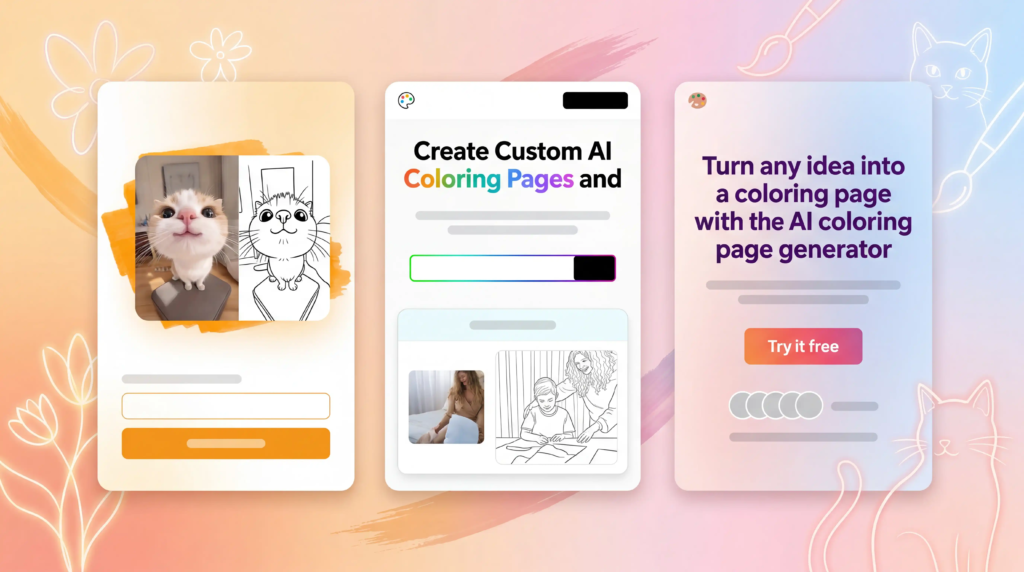
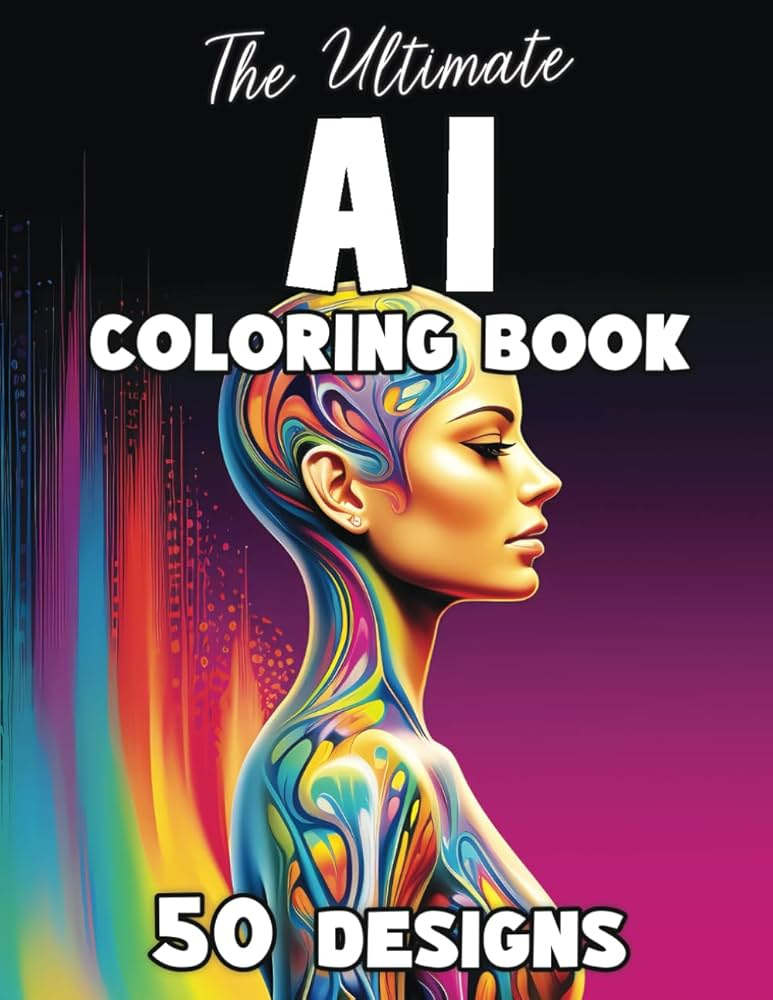
Creating coloring books has become much easier thanks to modern AI image generators. A few years ago, creating a complete coloring book required drawing skills, expensive software, and many hours of manual work. Today, AI tools can generate professional-looking coloring pages in minutes.
After testing multiple AI image generators for coloring book creation, I found that some platforms produce much better line art and printable illustrations than others. Whether you’re publishing on Amazon KDP, selling printable downloads on Etsy, or creating educational activity books, choosing the right AI tool can save both time and money.
If you’re also interested in children’s book illustration, check out our guide on Best AI Image Generators for Children’s Books.
Quick Comparison of the Best AI Coloring Book Generators
| Tool | Best For | Starting Price | Free Plan |
|---|---|---|---|
| Getimg.ai | High-quality coloring pages | $12/month | Yes |
| Midjourney | Detailed artistic illustrations | $10/month | No |
| Adobe Firefly | Commercial projects | $4.99/month | Yes |
| Canva AI | Beginners | $6.50/month | Yes |
| OpenArt | Budget-friendly generation | $6/month | Yes |
Why AI Image Generators Are Great for Coloring Books
One thing I quickly noticed during testing is that AI dramatically speeds up the design process. Instead of spending hours drawing outlines manually, you can describe your idea and receive multiple illustration concepts almost instantly.
Benefits include:
- Faster content production
- Unlimited design ideas
- Consistent themes across books
- Lower creation costs
- Easy publishing for KDP and Etsy sellers
- Suitable for both kids and adult coloring books
1. Getimg.ai – Best Overall AI Generator for Coloring Books
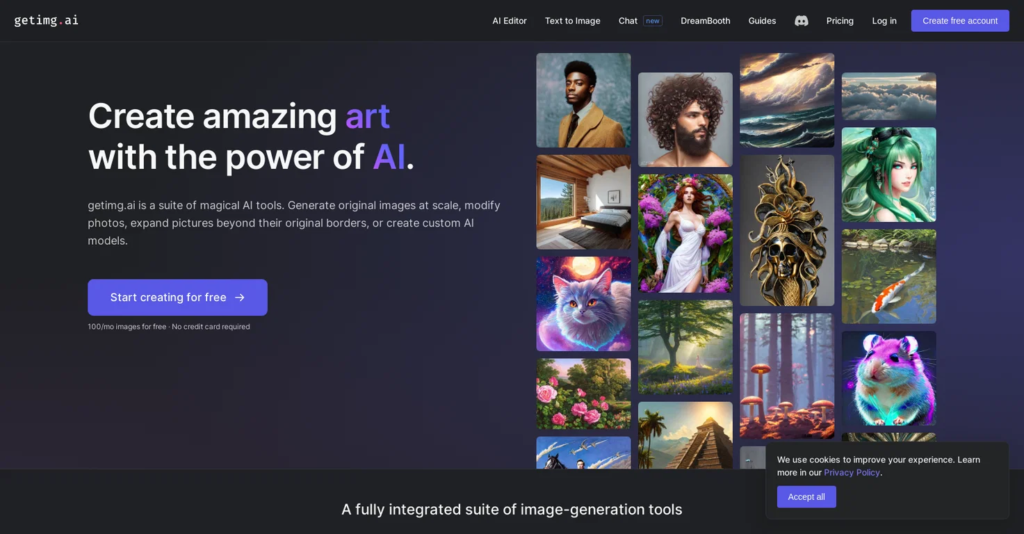
Getimg.ai delivered the most balanced results during my testing. The platform consistently generated clean black-and-white illustrations that required very little editing before publishing.
Unlike many AI image generators that add excessive textures and shadows, Getimg.ai follows prompts accurately and creates printable line art suitable for coloring books.
What I Liked
- Excellent prompt accuracy
- High-resolution exports
- Fast image generation
- Flexible customization
- Affordable pricing
You can learn more or try the tool directly through the official Getimg.ai website.
Best Use Cases
- Children’s coloring books
- Animal coloring books
- Educational activity books
- Amazon KDP projects
My Verdict
If I had to choose only one AI image generator for coloring books, Getimg.ai would be my first recommendation because it offers the best balance of quality, speed, and ease of use.
2. Midjourney – Best for Detailed Artistic Coloring Pages
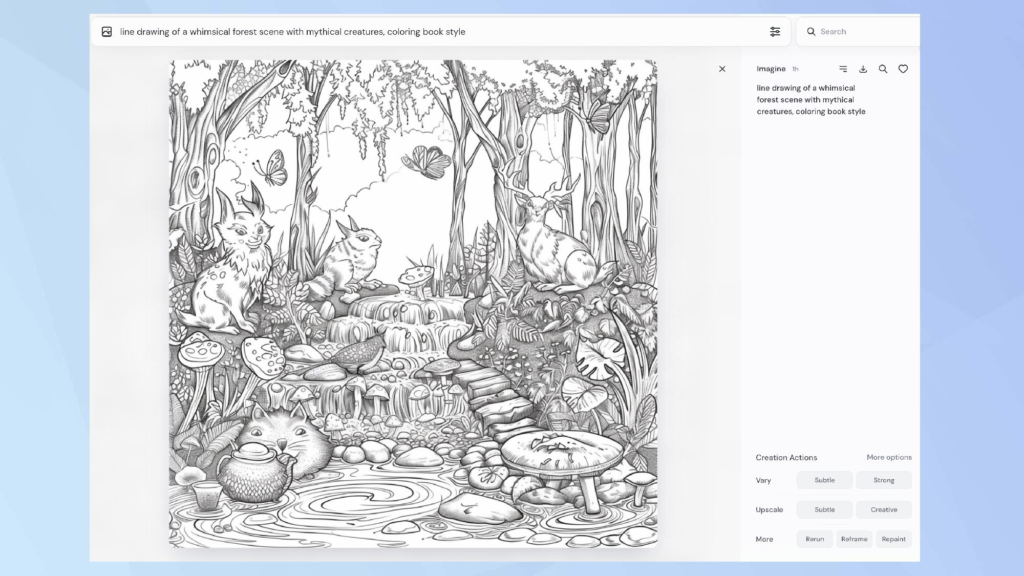
Midjourney continues to be one of the most impressive AI art generators available today. During testing, it consistently produced highly detailed and visually stunning illustrations.
The tool shines when creating fantasy-themed books, mandalas, nature scenes, and intricate designs for adult coloring books.
For more advanced AI art platforms, you may also enjoy our guide on Best AI Art Generators.
Strengths
- Exceptional artistic quality
- Creative compositions
- Strong style consistency
- Detailed illustrations
Best For
- Adult coloring books
- Fantasy themes
- Mandala collections
- Professional artwork
My Verdict
Midjourney creates some of the most beautiful coloring book artwork available. However, younger audiences may require simpler designs because many outputs contain intricate details.
3. Adobe Firefly – Best for Commercial Projects
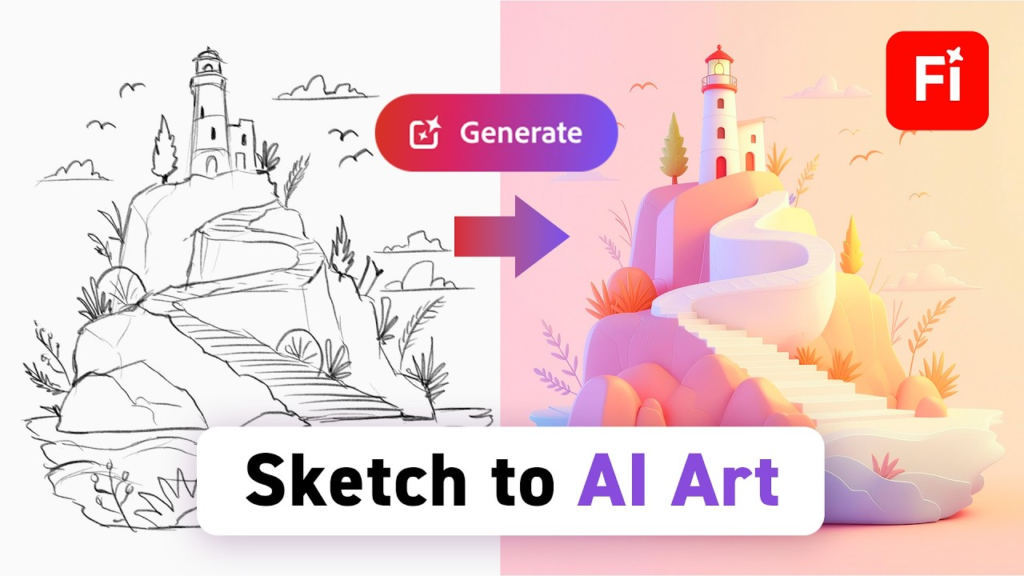
Adobe Firefly is one of the safest options for creators planning to publish and sell their work commercially.
The platform integrates smoothly with Adobe Creative Cloud products and generates clean illustrations that work well for coloring books.
Advantages
- Commercial-friendly generation
- Easy workflow integration
- Professional-quality outputs
- Beginner-friendly interface
Best For
- Publishers
- Designers
- Educational materials
- Commercial projects
My Verdict
Adobe Firefly is a reliable choice for anyone who prioritizes licensing clarity and professional workflows.
4. Canva AI – Best for Beginners
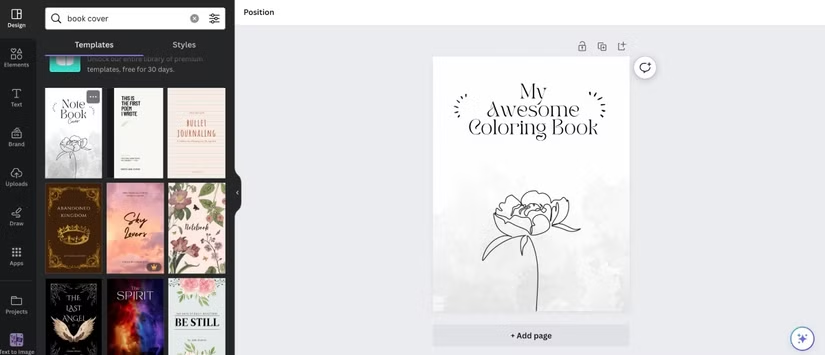
Canva AI is perfect for users who want an all-in-one design solution. Beyond image generation, Canva allows you to build complete coloring books, create covers, and arrange layouts without switching between multiple applications.
If you plan to sell your creations, read our guide on How to Create and Sell Coloring Books on Amazon KDP.
Advantages
- Extremely easy to use
- Drag-and-drop interface
- Huge template library
- Built-in editing tools
Best For
- Beginners
- Teachers
- Small business owners
- Etsy sellers
My Verdict
Canva AI is ideal for creators who want simplicity and convenience without sacrificing quality.
5. OpenArt – Best Budget-Friendly Alternative
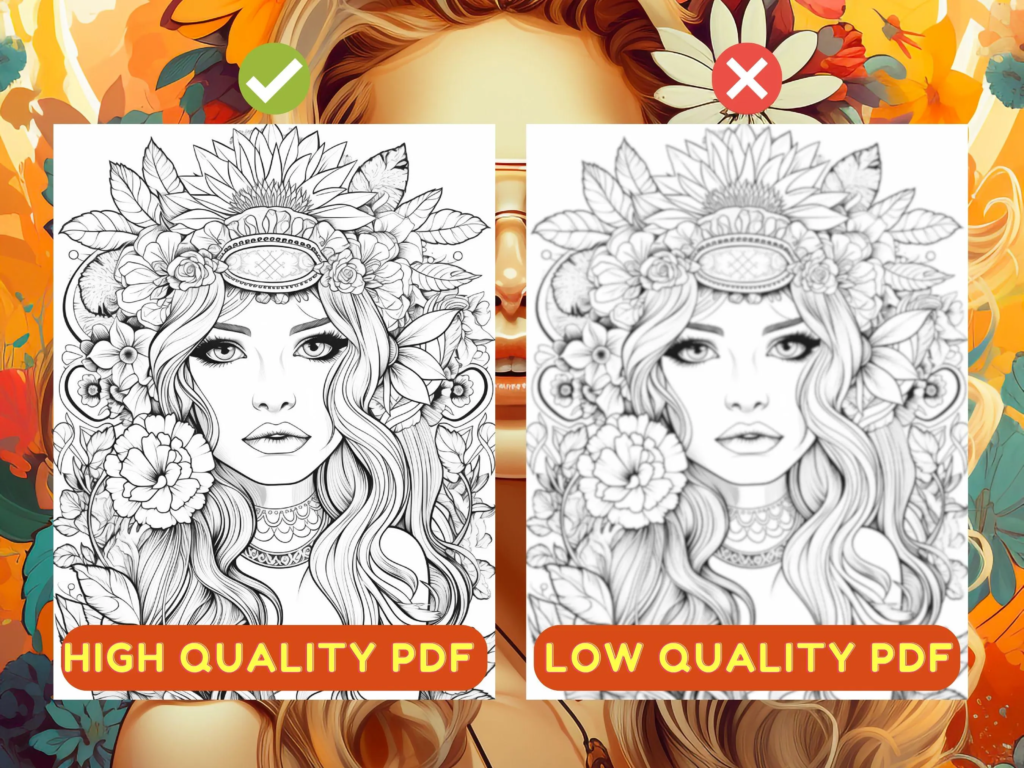
OpenArt offers impressive flexibility at an affordable price. During testing, I found it capable of producing high-quality coloring pages while giving users access to multiple AI models.
Pros
- Affordable pricing
- Multiple generation models
- Fast rendering
- High-resolution downloads
Cons
- Results may vary between models
- Requires prompt experimentation
My Verdict
OpenArt is a strong option for creators who want flexibility without paying premium prices.
Tips for Creating Better AI Coloring Book Pages
Through extensive testing, I found that prompt quality significantly affects results.
A simple prompt like:
“Cute baby elephant, black and white coloring page, clean line art, thick outlines, printable illustration, white background, no shading”
usually produces much better results than generic prompts.
Useful keywords include:
- Black and white coloring page
- Clean line art
- Thick outlines
- Printable illustration
- White background
- No shading
Final Verdict
After testing the leading AI image generators, these are my top recommendations:
- Getimg.ai – Best overall
- Midjourney – Best artistic quality
- Adobe Firefly – Best for commercial projects
- Canva AI – Best for beginners
- OpenArt – Best budget-friendly option
For most users, Getimg.ai offers the best balance between affordability, quality, and ease of use. However, each platform has its own strengths depending on your goals and publishing strategy.
Whether you’re creating coloring books for Amazon KDP, Etsy, classrooms, or personal projects, these AI tools can dramatically reduce production time while helping you create professional-quality content.